Managing a network’s daily operations can be a daunting task for any system administrator. A well-structured System Administrator Daily Checklist Template can significantly enhance your efficiency, ensuring that all critical tasks are completed consistently. Using such a checklist helps you remain organized and focused, reducing the likelihood of overlooking essential responsibilities.
What is a System Administrator Daily Checklist Template?
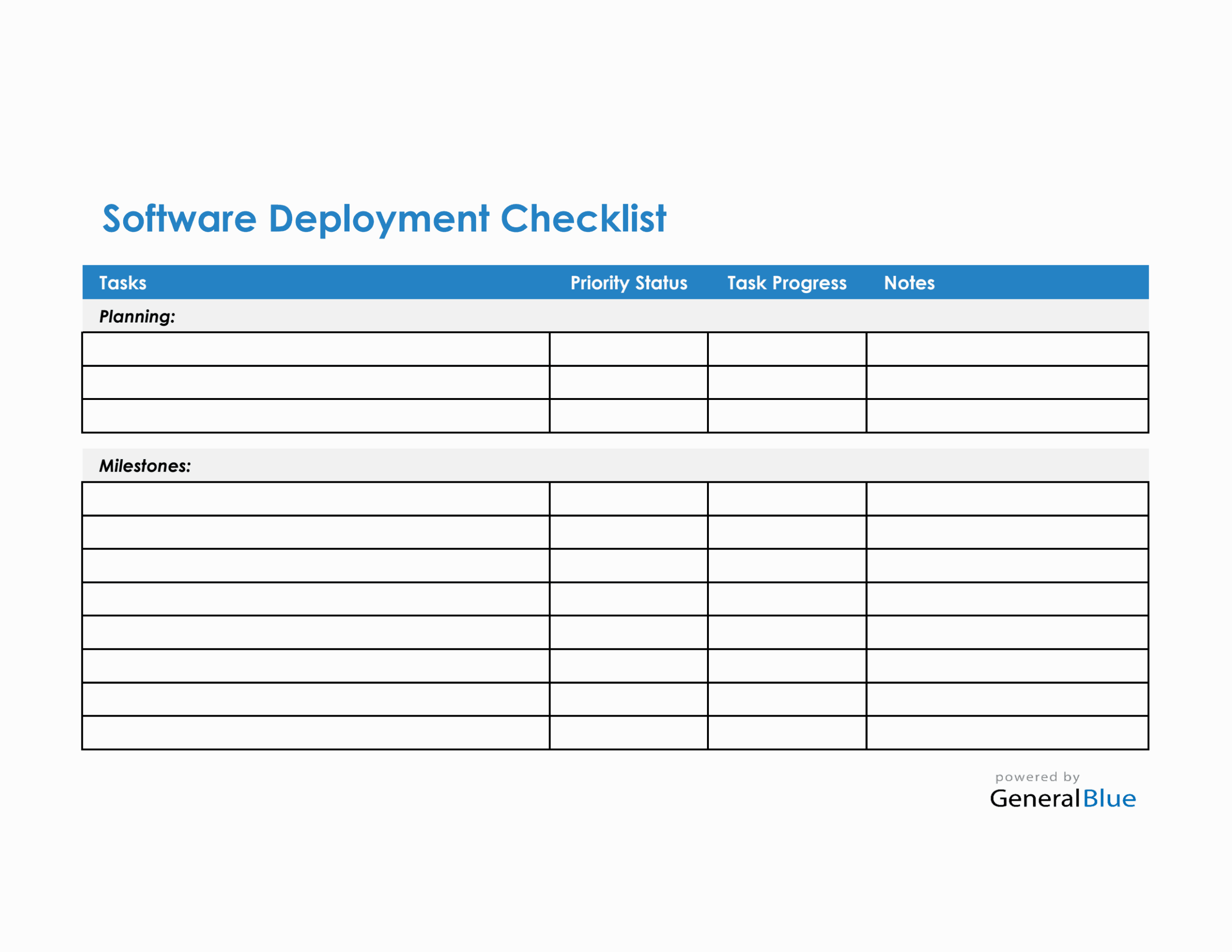
A System Administrator Daily Checklist Template is a customizable document designed to help system administrators track their daily tasks and responsibilities. This template typically includes various sections that outline routine checks, maintenance tasks, and best practices to ensure the integrity and performance of IT systems. You can adapt it to fit your specific environment, whether you manage a small school network or a large corporate server infrastructure.
Having a checklist means you have a structured way to manage your daily workload. It provides clarity on what needs to be done and allows you to prioritize tasks effectively. You can easily modify the template to suit different systems, software, or organizational needs, making it a versatile tool for any tech professional.
Key Components of a Daily Checklist
Your System Administrator Daily Checklist Template should include several critical components. Here are some essential sections to consider:
System Health Checks
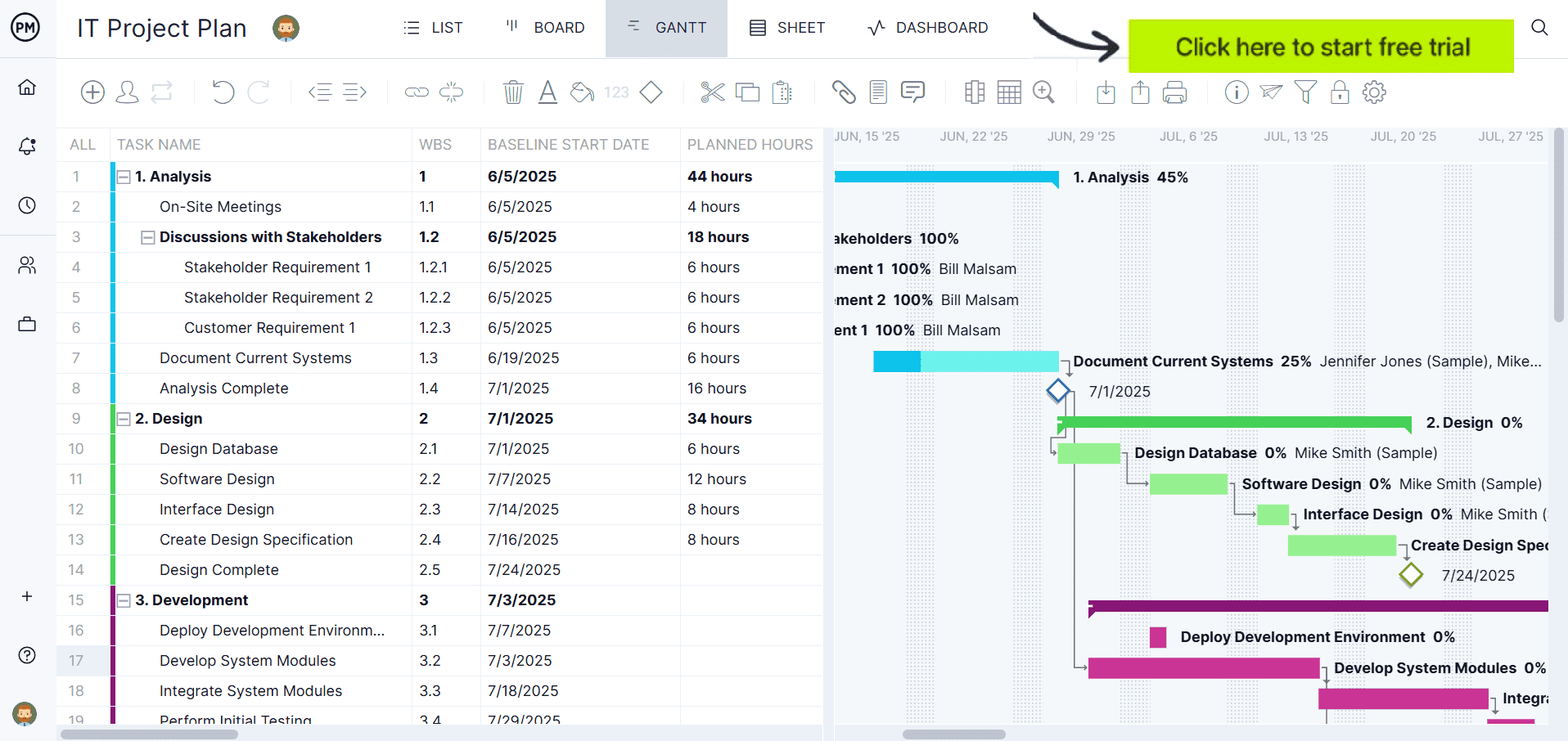
- Server Status: Check the operational status of all servers. Are they online and functioning correctly?
- Disk Space: Monitor available disk space on critical servers. Ensure there’s enough room for operations.
- Backup Status: Confirm that backups were completed successfully. If not, address any issues immediately.
- Updates and Patches: Review system updates and patches. Schedule installations for off-peak hours if necessary.
User Management
- Account Creation/Modification: Review requests for new accounts or changes to existing user permissions.
- Inactive Accounts: Identify and disable accounts that have been inactive for a specified period.
- Password Policies: Ensure compliance with password policies and remind users to update passwords regularly.
Network Monitoring
- Network Traffic: Monitor network performance and traffic. Look for unusual spikes that might indicate issues.
- Firewall Status: Check the status of firewalls and intrusion detection systems. Ensure they are functioning correctly.
- VPN Access: Confirm that VPN connections are stable and secure, particularly if remote work is a factor.
Security Checks
- Antivirus Updates: Ensure antivirus software is updated and running on all devices.
- Vulnerability Scans: Run vulnerability scans to identify potential security risks.
- Incident Response: Review any incident reports from the previous day and ensure that follow-up actions have been taken.
Customizing Your Checklist Template
One of the most significant advantages of a System Administrator Daily Checklist Template is that it is highly customizable. Here are ways you can adapt it to your needs:
- Add Specific Tasks: Depending on your organizational requirements, add any unique tasks that are critical to your operations.
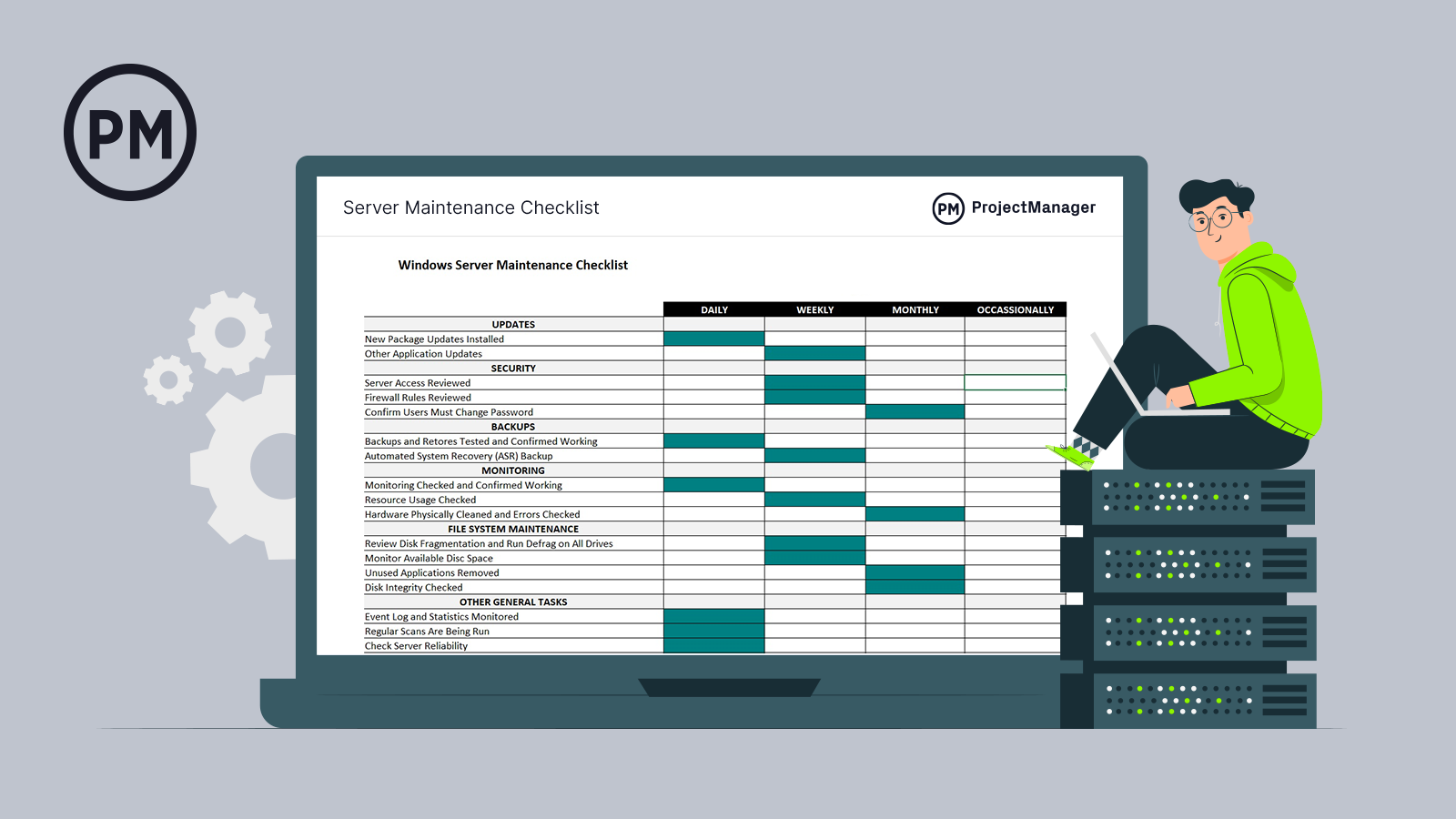
- Adjust Frequency: Some tasks may need daily attention, while others can be weekly or monthly. Tailor the frequency to match your operational needs.
- Format for Clarity: Consider using bullet points or checkboxes to enhance readability and usability. A clear format makes it easier to track completed tasks.
Best Practices for Using Your Checklist
To maximize the effectiveness of your System Administrator Daily Checklist Template, consider the following best practices:
- Review Regularly: Take time at the beginning of each week to review and adjust the checklist as needed.
- Track Completed Tasks: Mark tasks as completed to provide a visual representation of your daily progress. This helps in maintaining accountability.
- Share with Your Team: If you’re part of a larger IT department, share your checklist with colleagues. This encourages collaboration and ensures that everyone is on the same page.
- Integrate with Other Tools: If you use task management tools, consider integrating your checklist into those systems for seamless tracking.
Downloading and Printing Your Template
Once you have customized your System Administrator Daily Checklist Template, you can easily download and print it for daily use. Here are some tips for printing:
- Paper Size: Use standard letter-size paper (8.5 x 11 inches) for easy printing.
- Portrait vs. Landscape: Portrait layout tends to work better for most home printers, but adjust based on your content layout.
- Material Choice: Consider printing on heavier paper or cardstock if you plan to laminate the checklist for durability.
By following these guidelines, you can create an efficient, practical System Administrator Daily Checklist Template that meets your specific needs and enhances your daily productivity. This resource not only helps keep your tasks organized but also serves as a valuable reference for maintaining the health and security of your IT systems.









