Keeping computers running smoothly is essential, especially in educational settings where technology plays a vital role in learning. A well-structured Computer Tune Up Checklist Template can help teachers and parents alike ensure that their devices are consistently maintained. This checklist will guide you through various tasks that need regular attention, helping you delegate responsibilities effectively within your family or classroom.
Understanding the Importance of a Computer Tune Up Checklist
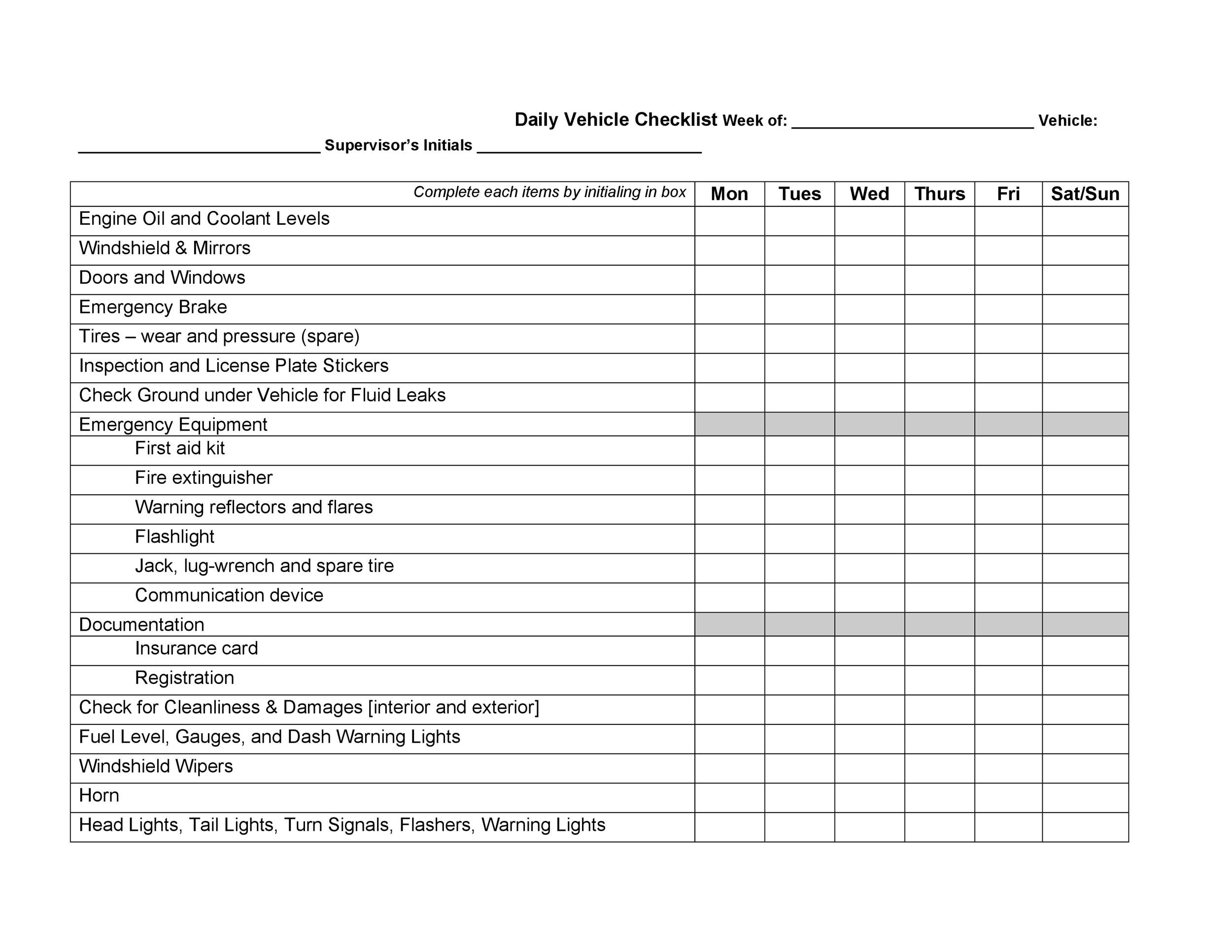
A Computer Tune Up Checklist is not just a list of tasks; it’s a crucial tool for anyone who relies on technology. Regular maintenance ensures that computers perform optimally and can prolong their lifespan. This checklist can be especially useful for teachers managing multiple devices for their classrooms or parents overseeing family computers. By having a clear set of tasks, you can easily assign roles and rotate responsibilities among family members or students.
Key Components of the Computer Tune Up Checklist Template
When creating your checklist, consider including the following essential tasks:
1. Software Updates
Keeping your operating system and software up to date is vital for security and performance. Schedule regular checks for updates, ideally once a month.
2. Disk Cleanup
Over time, computers accumulate unnecessary files. Use the built-in disk cleanup tool to remove temporary files and system caches. Aim to do this every few months.
3. Virus and Malware Scans
Set up regular scans to catch any malicious software that could harm your system. Weekly scans are recommended for optimal protection.
4. Backup Important Data
Establish a routine for backing up critical files. This could be done weekly or monthly, depending on how frequently data changes. Use external drives or cloud services for backups.
5. Hardware Maintenance
Physically cleaning your computer can help prevent overheating and improve performance. Dust off peripherals and clean screens monthly.
How to Use the Computer Tune Up Checklist Template
The beauty of the Computer Tune Up Checklist Template is its adaptability. Here’s how you can implement it in your routine:
- Print the Template: Having a physical copy allows for easy access and marking off completed tasks.
- Assign Responsibilities: In a classroom, assign different tasks to students or rotate them weekly. At home, involve family members in the upkeep of shared devices.
- Set Reminders: Use calendar apps to set reminders for important tasks, ensuring nothing gets overlooked.
- Review and Adjust: Regularly assess the checklist to see if additional tasks should be added or if some can be removed based on your experience.
Adapting the Checklist for Different Users
The Computer Tune Up Checklist Template can be tailored to suit various environments. Here’s how you can personalize it:
For Teachers
- Classroom Focus: Add tasks specific to classroom technology, like checking projector functionality or updating educational software.
- Student Involvement: Involve students in the maintenance process to teach them responsibility and the importance of technology upkeep.
For Parents
- Family Use: Include tasks that are pertinent to family needs, such as setting parental controls or managing screen time.
- Age Appropriateness: Adjust tasks based on the age of your children; younger kids might handle simpler tasks like cleaning peripherals, while older ones can manage software updates.
Benefits of Using a Computer Tune Up Checklist Template
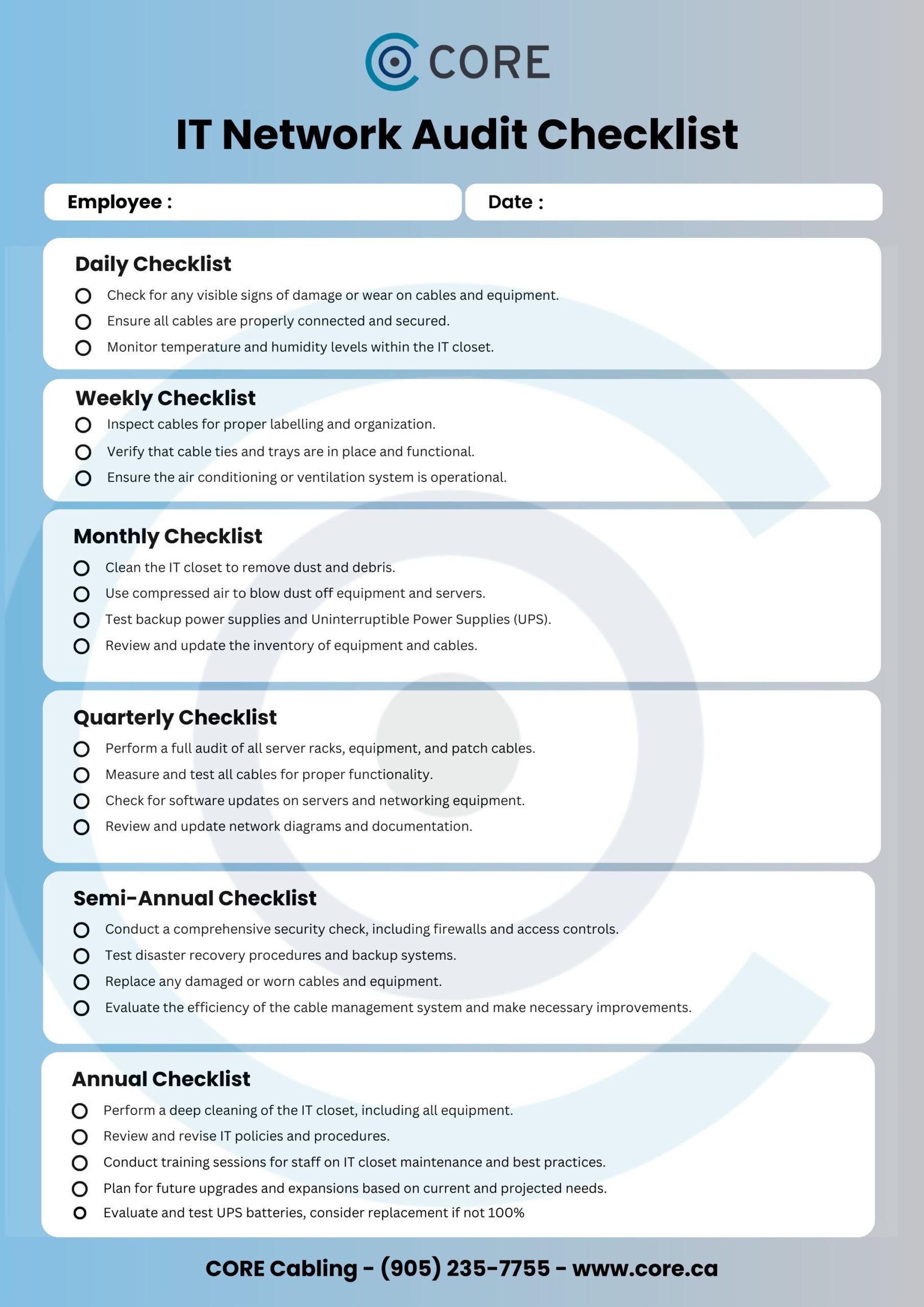
Utilizing a checklist brings numerous advantages:
- Increased Efficiency: By having a clear plan, you can tackle maintenance tasks systematically.
- Enhanced Learning: For teachers, involving students in technology maintenance can foster responsibility and technical skills.
- Improved Performance: Regular maintenance leads to fewer disruptions during lessons or family activities, ensuring technology serves its purpose effectively.









