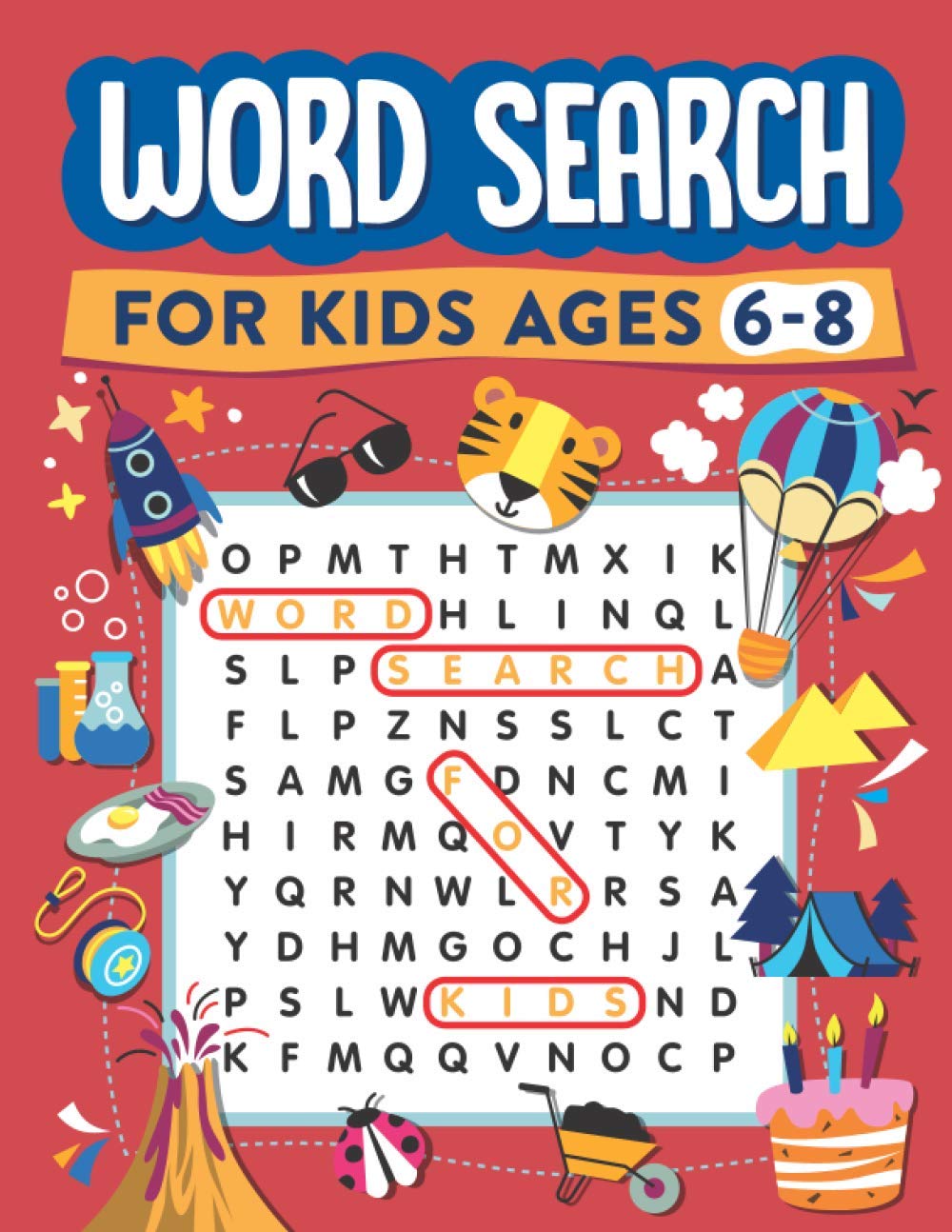
Word searches can be a wonderfully engaging tool for young learners, especially when you consider the needs of children around six years old. At this age, kids are often developing their vocabulary and spelling skills, making a Word Search For 6 Year Olds an ideal resource. These puzzles not only entertain but also reinforce learning in a fun and interactive way. In this article, we’ll explore how to effectively use word searches in educational settings, the materials you might need, and tips for maximizing their benefits.
Understanding the Benefits of Word Searches
Before diving into how to implement word searches, it’s essential to understand their benefits. Word searches can enhance several skills in children, including:
- Vocabulary Development: Children encounter new words, which can expand their vocabulary.
- Spelling Practice: Searching for words reinforces spelling through visual recognition.
- Focus and Concentration: Completing a word search requires focus, helping children improve attention spans.
- Problem-Solving Skills: Figuring out where words are located develops critical thinking.
These benefits make word searches not just a fun activity, but a valuable educational tool.
Preparing the Word Search
Creating a Word Search For 6 Year Olds can be simple and rewarding. Here’s how to prepare one that’s suited for young learners:
Choose Age-Appropriate Vocabulary
Select words that are relevant to the child’s curriculum or interests. Common themes might include:
- Animals
- Colors
- Foods
- Simple verbs
This relevance helps maintain engagement and makes the activity more meaningful.
Format and Layout
For young children, clarity is crucial. Use a grid that’s not too large—an 8×8 grid is typically manageable. Ensure that the words are placed horizontally or vertically, as diagonal placements can be more challenging for this age group.
Printability
When preparing your word search, consider the following:
- Paper Size: Use standard A4 or letter-sized paper for easy printing.
- Font Size: A larger font (at least 14-16 point) makes it easier for children to read the letters.
- Contrast: Use high contrast colors for the text and background to enhance visibility.
Using the Word Search in the Classroom or at Home
Now that you’ve prepared your word search, let’s look at some effective ways to use it.
Individual Practice
Hand out the word search as a standalone activity. This allows children to work at their own pace, fostering independence. Encourage them to circle or highlight the words as they find them, which can help with fine motor skills.
Group Activity
Word searches can also be a collaborative activity. Consider these approaches:
- Team Challenges: Split the class into small groups and see who can complete their word search first. This can foster teamwork and communication.
- Discussion: After completing the word search, discuss the words they found. This reinforces vocabulary learning and allows for deeper understanding.
Integrating With Other Subjects
You can tie word searches into other subjects. For instance, if you’re teaching about a specific topic in science, create a word search using related terms. This technique not only reinforces vocabulary but also helps children make connections between different subjects.
Tips for Maximizing Engagement
To enhance the experience of completing a Word Search For 6 Year Olds, consider these practical tips:
Use Colorful and Fun Designs
Children are more likely to engage with visually appealing resources. Use vibrant colors and fun themes that resonate with their interests.
Time Challenges
Introduce a timer to create a sense of urgency. Challenge children to complete the word search within a set time. This can make the activity more exciting and competitive.
Reward Systems
Incorporate a reward system for completing the word search. Simple rewards like stickers or extra playtime can motivate children to participate and complete the task.
Encouraging Repeat Use
One of the great things about word searches is their potential for repeat use. Here are some ways to keep the activity fresh:
Create a Library of Word Searches
Compile various themed word searches over time. This library can then be used for different topics or revisited for practice later on.
Adjust Difficulty
As children improve, increase the difficulty of the word searches. This can involve using larger grids, introducing diagonal words, or incorporating more complex vocabulary.
Incorporate Technology
Using printable resources doesn’t have to be limited to paper. Consider digital formats where children can complete word searches on tablets or computers. There are many online tools that allow for customizable word searches.