A To Do List With Deadlines Template is a practical tool that helps you prioritize tasks and manage your time effectively. If you are a teacher juggling lesson plans, grading, and meetings, or a parent coordinating household activities, this template can simplify your routine and keep you accountable. Here’s how to make the most of this resource.
Understanding the Template
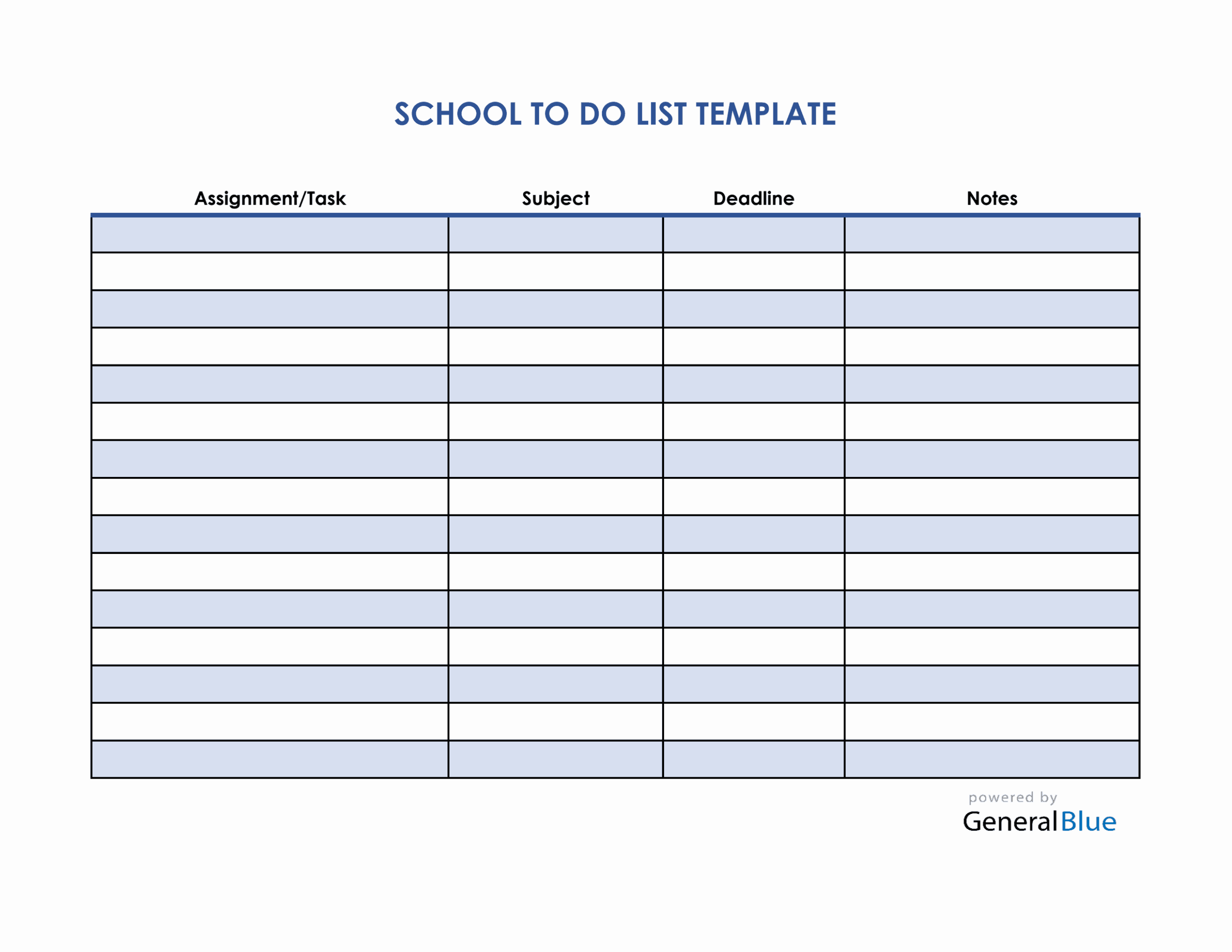
At its core, a To Do List With Deadlines Template is designed to help you list tasks alongside their respective deadlines. This structured approach allows you to visualize your responsibilities at a glance. The template typically includes columns for task descriptions, deadlines, priority levels, and completion status.
This kind of organization is particularly beneficial for teachers who need to manage various deadlines throughout the school year, from grading assignments to preparing for parent-teacher conferences.
How to Use Your To Do List With Deadlines Template
- Identify Your Tasks
Start by listing all the tasks you need to complete. Be specific. Instead of writing “grade papers,” specify “grade math quizzes for Period 3.” Clarity will help you stay focused.
- Set Deadlines
Next to each task, write down the deadline. For instance, if you need to return graded papers by Friday, mark that date next to the task. This helps you prioritize your workload and ensures you don’t miss important deadlines.
- Assign Priority Levels
Not all tasks are created equal. Use a simple system like high, medium, and low priority to rank your tasks. This can help you decide which tasks to tackle first, especially when time is tight.
- Track Progress
As you complete tasks, mark them off or change their status to “completed.” This visual progress can be motivating and helps you see how much you’ve accomplished.
- Review and Adapt
At the end of each week, review your list. What did you accomplish? What tasks need to be carried over? Adjust your list based on what worked and what didn’t. This reflective practice can enhance your productivity over time.
Tips for Maximizing Your To Do List With Deadlines Template
- Print Multiple Copies
It’s useful to have several printed copies. You can use one for work tasks and another for personal tasks. This separation can help you manage responsibilities without feeling overwhelmed.
- Color Code Your Tasks
Consider using colored pens or highlighters to categorize tasks. For example, use red for urgent tasks and green for personal tasks. This visual cue can make it easier to prioritize at a glance.
- Involve Students or Family
If you’re a teacher, consider sharing this template with your students to help them manage their assignments. For families, use it to assign household chores and track deadlines for school projects. This promotes accountability and teamwork.
- Digital Options
While printed templates are great, don’t overlook digital versions. Apps like Google Sheets or Trello can provide flexibility and easy sharing options. You can also set reminders for deadlines, ensuring that nothing slips through the cracks.
Adapting the Template for Different Contexts
Classroom Use
In a classroom setting, you can adapt the To Do List With Deadlines Template to include lesson planning tasks, grading schedules, and student project deadlines. Each student can have their own version to track assignments, fostering responsibility and self-management.
Home Management
At home, use the template for family activities, such as grocery shopping, meal planning, or household chores. Assign tasks to family members and set deadlines for completion. This can alleviate the burden of managing a busy household and encourage kids to participate.
Personal Goals
If you’re looking to achieve personal goals, like fitness objectives or learning a new skill, customize the template to track these. Write down your goals, set deadlines for milestones, and monitor your progress.









