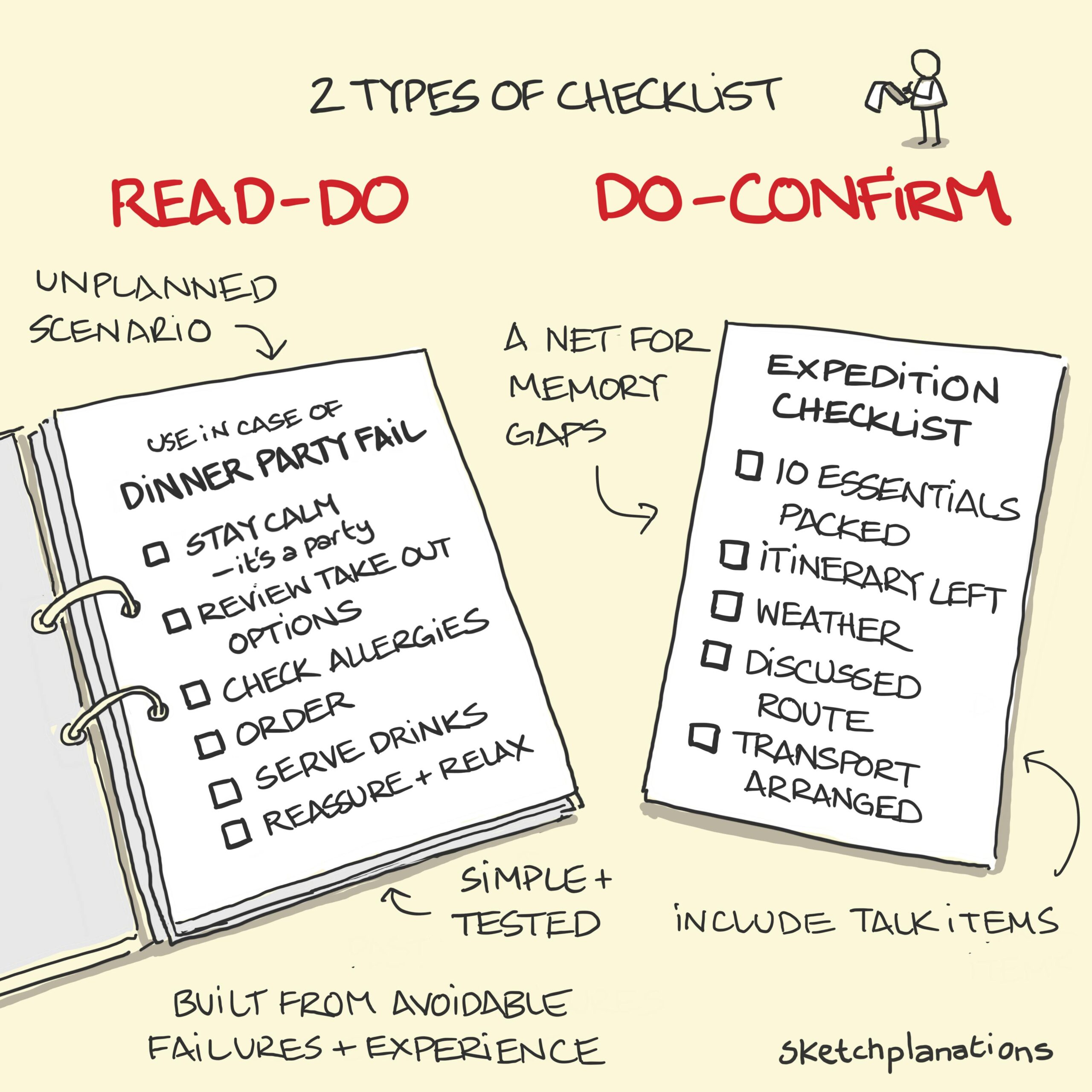
A typical printable checklist or to-do list can be a useful option for teachers managing multiple tasks. The main distinction in the To Do List Vs Checklist debate lies in their structure and purpose. A to-do list is generally a collection of tasks that need to be completed, while a checklist is a structured list that often requires the user to check off each item as it’s completed. Understanding these differences can help you decide which tool best suits your organizational needs.
Understanding the Basics: To Do Lists
To-do lists are versatile tools that help you keep track of tasks you need to accomplish. They can be as simple or detailed as you like, depending on your personal preference.
What Makes a To Do List Effective?
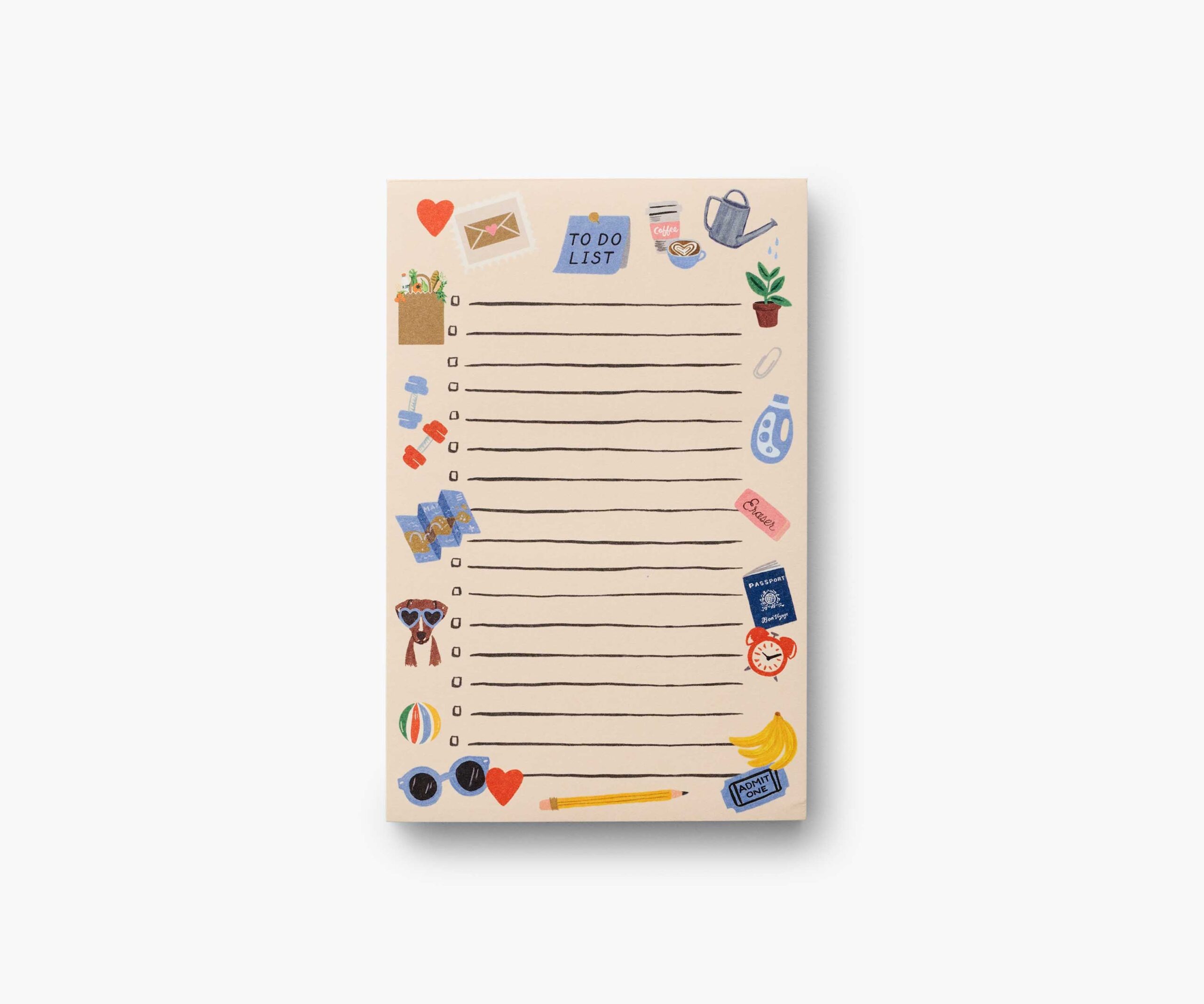
- Flexibility: You can add or remove tasks easily based on your changing priorities.
- Simplicity: A to-do list can be a single-page document or even a note on your phone.
- Prioritization: You can rank tasks by importance or urgency, helping you focus on what matters most.
When creating a to-do list, consider using bullet points for clarity. For example:
- Grade assignments
- Prepare lesson plans
- Attend staff meeting
- Organize classroom supplies
By keeping the list concise, you can quickly identify what needs to be done.
Delving Into Checklists
Checklists serve a more specific purpose than to-do lists. They are often used in situations where you need to ensure that all steps of a process are completed.
Key Features of Checklists
- Structured Format: Checklists typically include specific items that need to be accomplished in a particular order.
- Verification: They allow you to mark off items as completed, providing a visual cue of your progress.
- Accountability: Checklists can be shared among team members, promoting collective responsibility.
In a classroom setting, a checklist might look like this:
- [ ] Prepare materials for the science experiment
- [ ] Set up the classroom layout
- [ ] Distribute handouts
- [ ] Collect feedback from students
Using checkboxes makes it easy to see what has been completed and what still needs attention.
When to Use a To Do List Vs Checklist
Knowing when to use each resource can significantly enhance your productivity. Here’s a simple guideline:
Use a To Do List When:
- You have a variety of tasks that don’t necessarily follow a specific order.
- You need to keep track of ongoing projects over a longer period.
- You want to prioritize tasks based on deadlines or importance.
Use a Checklist When:
- You are following a specific process that requires completion of multiple steps.
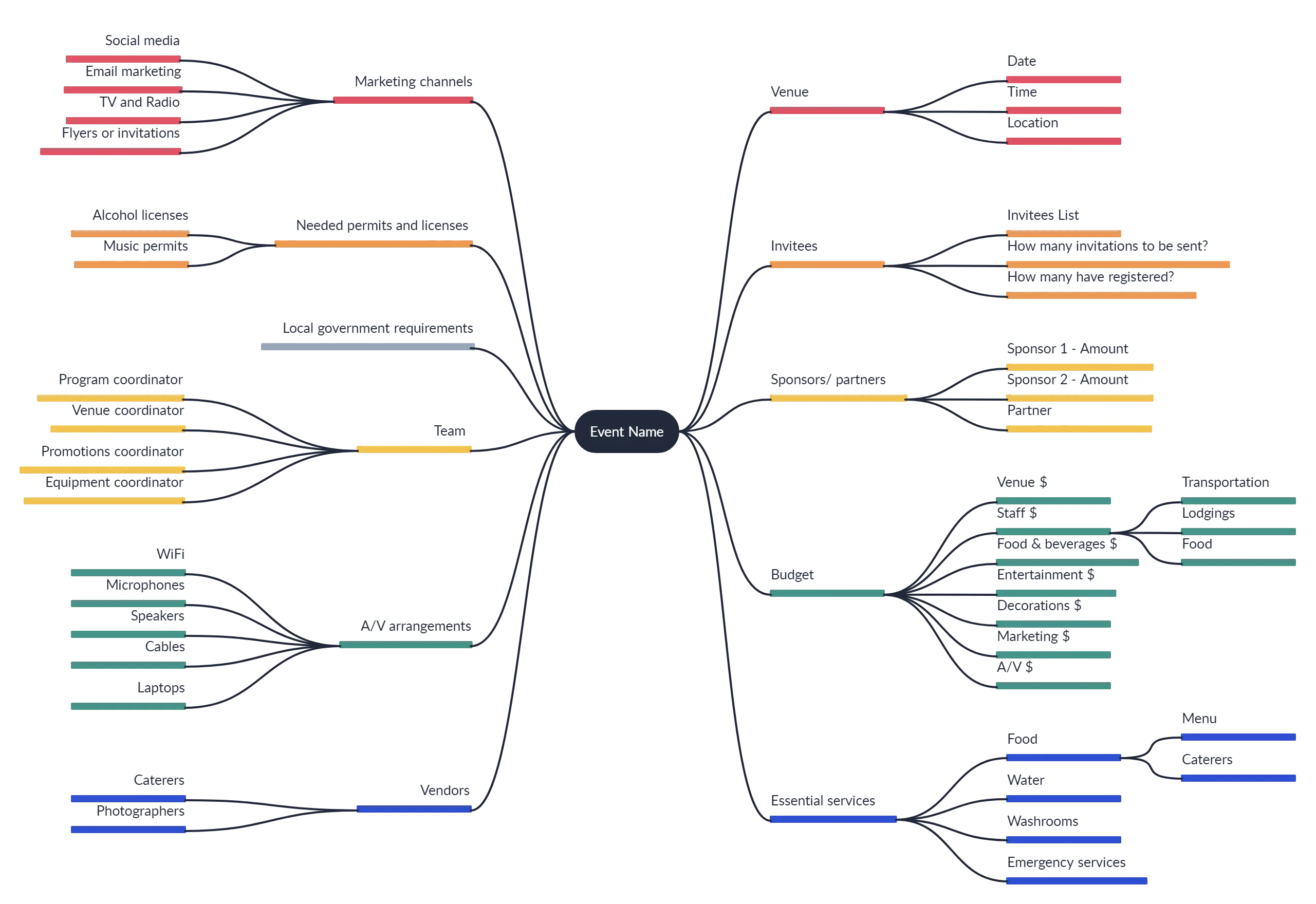
- You need to ensure that nothing is overlooked, such as during lesson preparations or event planning.
- You are working in a team and need to promote accountability.
By understanding these contexts, you can effectively implement either resource to meet your needs.
How to Create and Use Each Tool
Creating your own to-do lists and checklists can be straightforward. Here’s a step-by-step guide to help you get started.
Creating a To Do List
- Identify Tasks: Write down everything you need to accomplish.
- Organize by Priority: Rank tasks based on deadlines or importance.
- Review Regularly: Check your list daily to adjust as needed.
Creating a Checklist
- Outline the Process: Determine the steps required for a specific task or project.
- List Each Step: Write down each item in the order it needs to be completed.
- Include Checkboxes: This allows for easy tracking of what has been accomplished.
Using templates can also save you time. Consider downloading printable templates for both to-do lists and checklists tailored specifically for educators.
Enhancing Accountability With Both Tools
One of the greatest advantages of using a to-do list or checklist is the accountability they foster, not just for yourself but also for students and colleagues.
Sharing Checklists
When working on group projects or classroom activities, consider sharing checklists with your students or team members. This encourages everyone to take ownership of their tasks.
Tracking Progress
Using both tools can help track your progress over time. You might find it beneficial to combine the two approaches by using a checklist for specific projects while maintaining a general to-do list for ongoing tasks.
In a classroom, this can look like:
- A checklist for a science project where students must submit their findings.
- A to-do list for grading assignments and preparing for parent-teacher conferences.
By doing this, you create a clear roadmap for everyone involved, making it easier to stay organized and accountable.
Practical Tips for Implementation
- Choose the Right Format: Whether digital or paper, select a format that works best for you. Some may prefer a digital app for on-the-go access, while others might enjoy the tactile feedback of pen and paper.
- Review and Revise: Regularly revisit your lists to add new tasks or remove completed ones. This keeps your lists relevant and actionable.
- Set Time Limits: For tasks on your to-do list, set specific time frames to encourage completion. This can boost efficiency and keep you focused.
- Adapt for Different Needs: Feel free to modify your lists and checklists as your teaching style or classroom needs evolve.
By embracing both a to-do list and a checklist, you can create a dynamic system that supports your educational goals. Each tool has its unique strengths, and knowing how to leverage them effectively will enhance your organizational skills and productivity.
One detail that often gets overlooked is the importance of using different colors or styles for different types of tasks on your lists. This can help quickly distinguish between urgent tasks and those that are less pressing, making your organization even more intuitive.









