A To Do List Monthly Template is a practical tool that can transform how you manage tasks over the month. Unlike generic task lists that can feel overwhelming and unstructured, this template provides a focused approach to planning and accountability. If you are a teacher balancing lesson plans, grading, and meetings, or a parent juggling activities and responsibilities, this template is designed to help you prioritize and execute tasks effectively.
Understanding the Layout of a Monthly Template
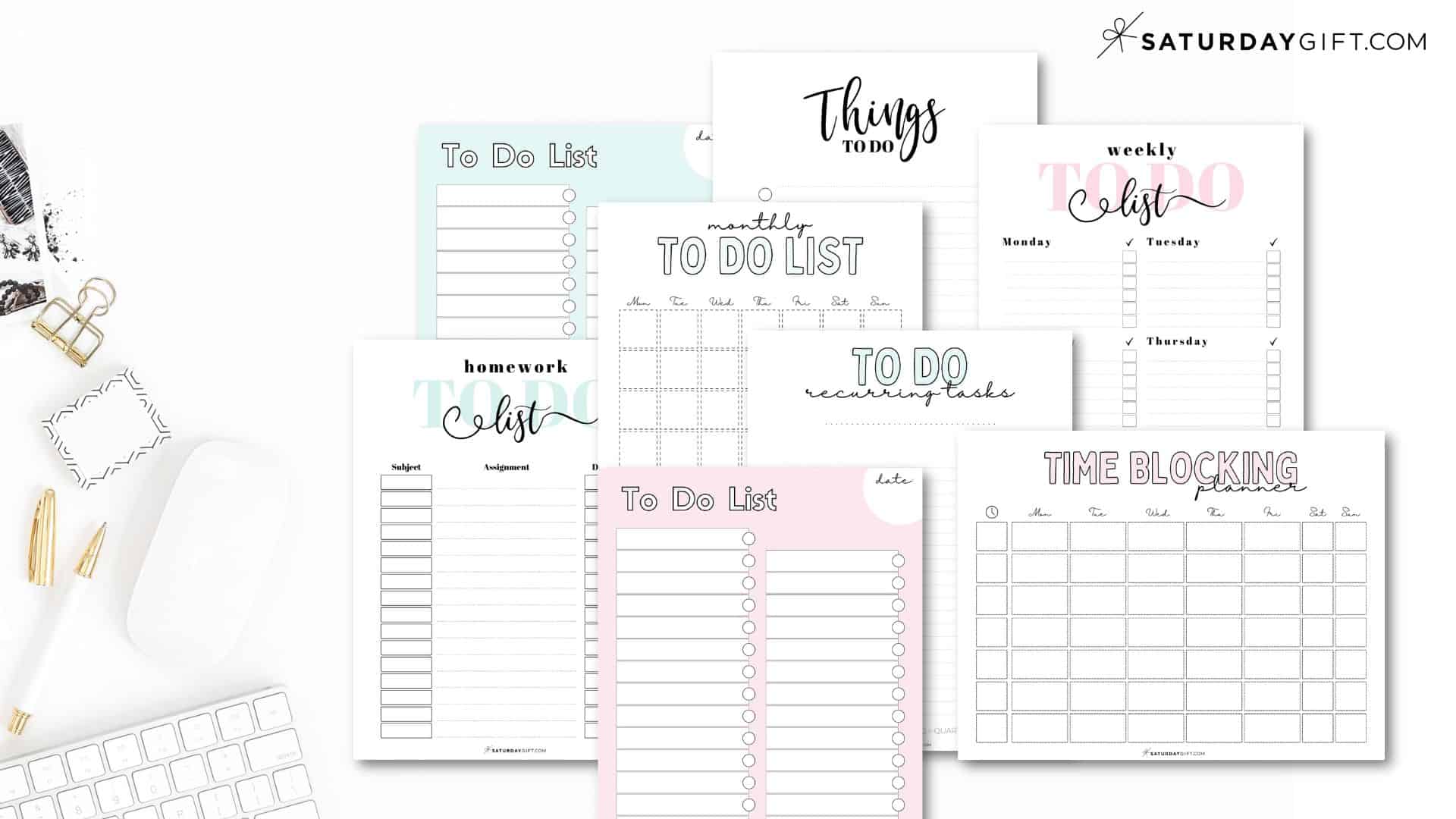
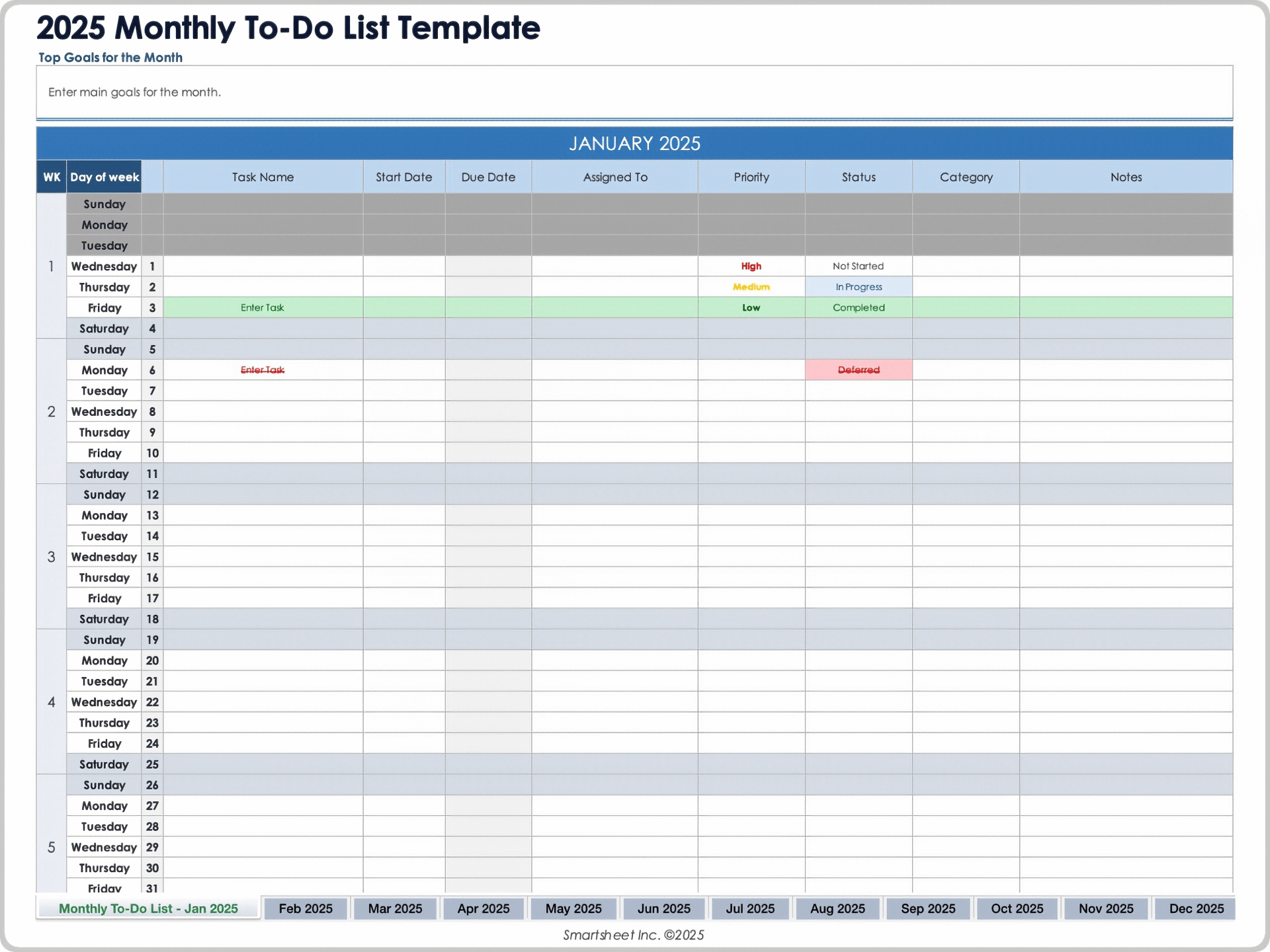
A well-structured monthly template typically includes clearly defined sections for days of the month, task categories, and checkboxes. The layout is designed to promote clarity and ease of use, making it simple to visualize what needs to be done at a glance.
- Days of the Month: Each day is listed, allowing you to allocate tasks to specific dates. This helps in planning ahead and ensuring that deadlines are met.
- Task Categories: Consider dividing tasks into categories such as ‘Work’, ‘Home’, ‘Personal’, and ‘School’. This organization can help you focus on specific areas without getting overwhelmed.
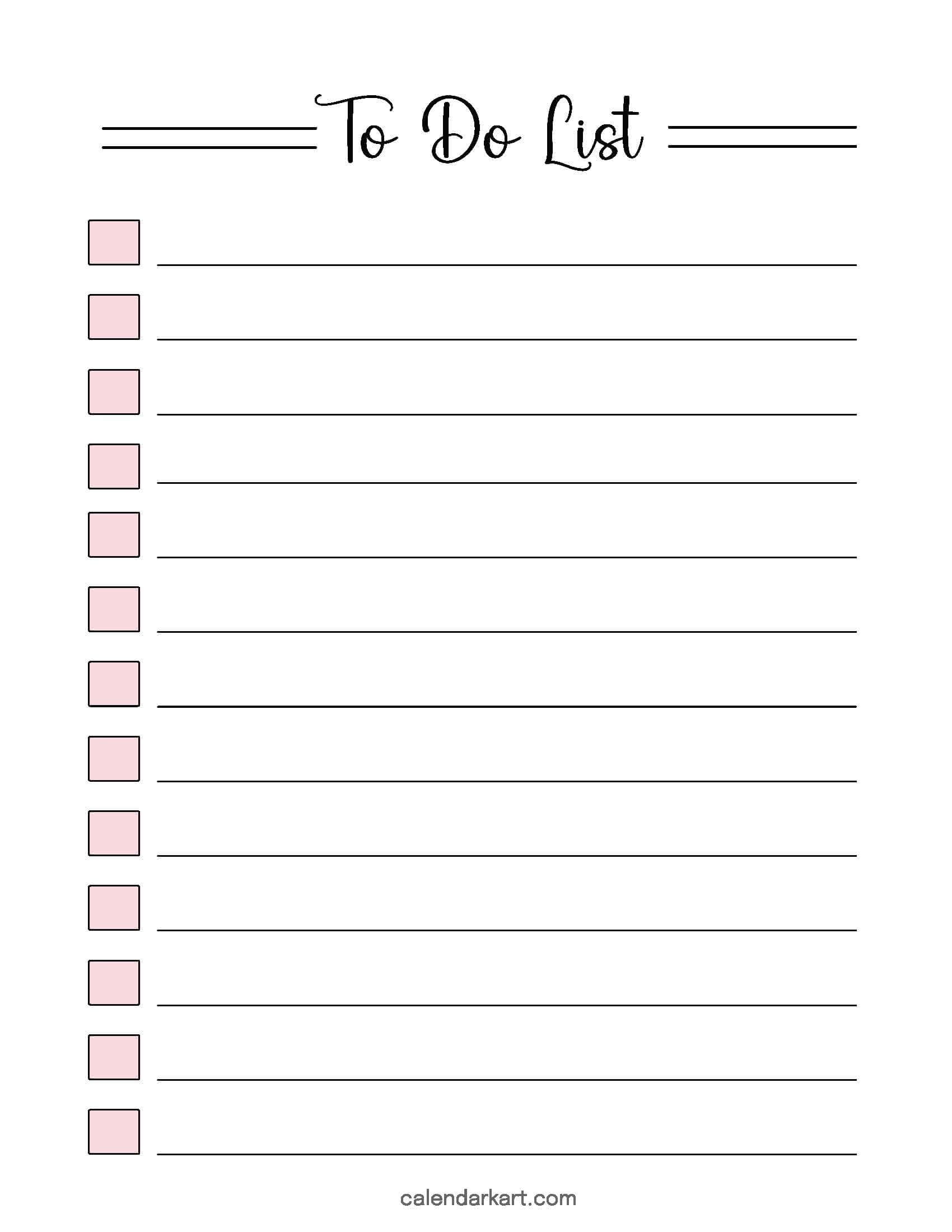
- Checkboxes: Including checkboxes next to each task provides a satisfying way to track completion, encouraging you to stay on top of your responsibilities.
When you have a clear visual layout, it becomes easier to prioritize tasks and allocate your time effectively.
How to Use Your Monthly Template Effectively
Using your To Do List Monthly Template effectively can make a significant difference in how you manage your time. Here are some practical steps to maximize its utility:
- Set Aside Time to Plan: At the beginning of each month, dedicate time to fill out your template. Consider upcoming deadlines, appointments, and personal commitments. This foresight can help reduce stress as the month progresses.
- Prioritize Tasks: Not all tasks are created equal. Use a system to prioritize tasks based on urgency and importance. You could use a simple numbering system (1 for high priority, 2 for medium, and 3 for low) or color-coding to visually distinguish task importance.
- Review Regularly: Make it a habit to review your list weekly. This helps in adjusting deadlines and re-prioritizing tasks based on what’s been accomplished and what still needs attention.
- Involve Others: If you’re using this template in a classroom or household setting, share the template with colleagues or family members. This promotes accountability and ensures everyone is aligned on responsibilities. Encourage them to mark off their completed tasks as well.
- Adapt as Needed: Your monthly template is not set in stone. Feel free to adjust categories or add new ones as your needs change. Flexibility can help keep the template relevant and useful.
Common Pitfalls to Avoid
While a To Do List Monthly Template is a valuable resource, there are common pitfalls to be aware of that can hinder your productivity:
- Overloading Your List: It can be tempting to fill your template with every task imaginable. However, this can lead to overwhelm. Focus on what is realistically achievable within the month.
- Ignoring Deadlines: If you don’t keep track of deadlines on your template, you risk missing important tasks. Make it a point to highlight or mark deadlines clearly.
- Neglecting Follow-up: Tasks that are marked as complete should be followed up on, especially if they involve others. Ensure that any delegated tasks are being tracked and completed.
- Being Too Rigid: Life happens, and sometimes tasks will need to be moved or reassigned. Embrace flexibility in your planning and adapt your template as needed.
Tips for Customizing Your Template
A To Do List Monthly Template can be customized to suit your specific needs and preferences. Here are some ideas to consider:
- Digital vs. Printable: Choose between a digital format that allows for easy edits and updates or a printable version that you can physically mark. Each has its advantages depending on how you like to work.
- Visual Elements: If you enjoy creativity, consider adding colors, stickers, or drawings to make the template more engaging. This can also help in visually categorizing tasks.
- Incorporate Goals: Alongside your tasks, you could include monthly goals. This encourages you to think beyond just daily tasks and focus on larger objectives.
- Feedback Section: Add a section where you can jot down reflections on what worked well and what didn’t at the end of the month. This can provide insights for future planning.
- Size and Format: Make sure the template fits your preferred paper size, whether it’s A4, Letter, or something else. This ensures that when printed, it’s easy to read and use.
By customizing your template, you can create a tool that truly resonates with your personal style and workflow.









