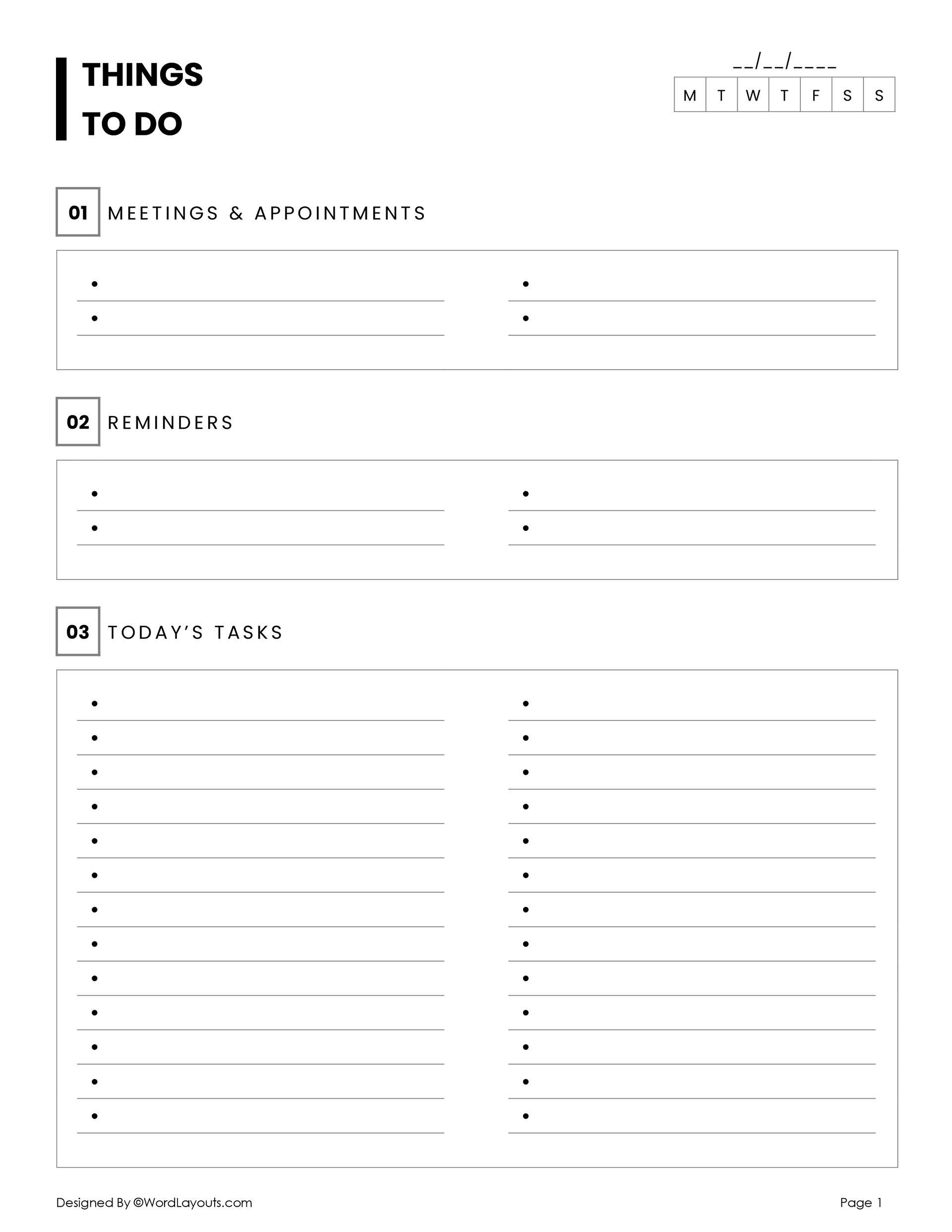
A Categorized To Do List Template is a powerful tool for teachers looking to improve their organization and efficiency in managing tasks. This resource allows you to categorize tasks by subject, priority, or even by team members, making it easier to delegate responsibilities in both classroom and home settings. If you are coordinating with fellow teachers, managing classroom duties, or balancing personal obligations, a categorized to-do list can help streamline your efforts.
Understanding the Structure of a Categorized To Do List Template
A well-designed categorized to-do list typically includes several key components:
- Categories: These are the main divisions for your tasks, such as ‘Classroom Management,’ ‘Lesson Planning,’ or ‘Grading.’ You might also include personal categories like ‘Home’ or ‘Family Activities.’
- Task Description: Each task should have a clear, concise description so everyone knows what needs to be done.
- Due Dates: Assign deadlines to each task. This helps prioritize what needs immediate attention.
- Assigned To: If you’re working in a team, this section allows you to delegate tasks effectively.
- Status: A simple checkbox or status indicator lets you track progress on each task.
By incorporating these elements, your categorized to-do list becomes not just a list, but a comprehensive task management system.
Benefits of Using a Categorized To Do List Template
Using a categorized to-do list template can significantly enhance your productivity. Here are some of the key benefits:
- Improved Organization: When tasks are categorized, it’s easier to see what needs to be done in each area of your life or work. This clarity can reduce feelings of overwhelm.
- Enhanced Delegation: With a clear assignment of tasks, team members know what they are responsible for, which fosters accountability and teamwork.
- Increased Focus: A categorized list helps you focus on one category at a time rather than jumping between different topics or responsibilities.
- Time Management: By seeing all tasks laid out with due dates, you can effectively plan your time and prioritize your work.
How to Use a Categorized To Do List Template Effectively
To make the most of a categorized to-do list template, follow these steps:
- Identify Categories: Start by identifying the key areas in your life or work that need organization. For teachers, this may include grading, planning, communication, and personal tasks.
- List Tasks Under Each Category: Write down all tasks that fall under each category. Be specific in your descriptions.
- Assign Due Dates: For each task, assign a due date. This helps prioritize what needs to be completed first.
- Delegate Tasks: If you’re using it for group work, assign tasks to specific individuals. This not only spreads the workload but also ensures accountability.
- Review Regularly: Set aside time weekly to review your list. Update statuses, add new tasks, and adjust deadlines as necessary.
Adapting the Template for Different Needs
A categorized to-do list template is versatile and can be adapted for various settings. Here are some specific adaptations:
For Classroom Use
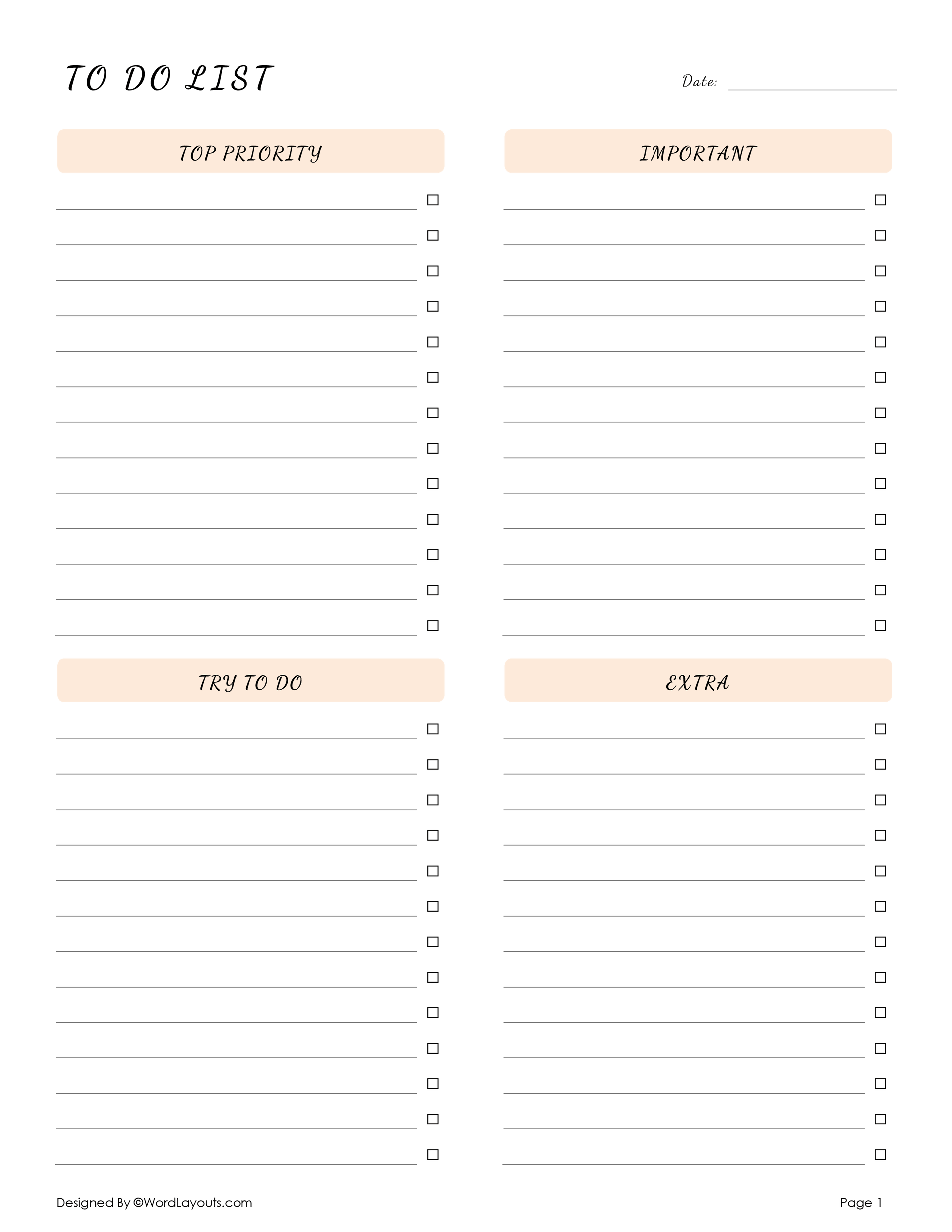
- Subject-Specific Categories: Create categories for each subject you teach, and list tasks related to lesson plans, grading, and parent communication.
- Group Projects: Assign tasks within categories to different student groups, ensuring everyone knows their responsibilities.
For Home Management
- Family Responsibilities: Categories can include household chores, family events, and personal appointments. Assign tasks to family members to share the workload.
- Event Planning: Use a categorized list when planning events, such as birthday parties or family gatherings, to keep track of all necessary tasks.
For Professional Development
- Personal Goals: Include categories for professional growth, like attending workshops or completing online courses.
- Networking: Tasks under this category could include following up with colleagues or reaching out to speakers from conferences.
Best Practices for Printing and Using Your Template
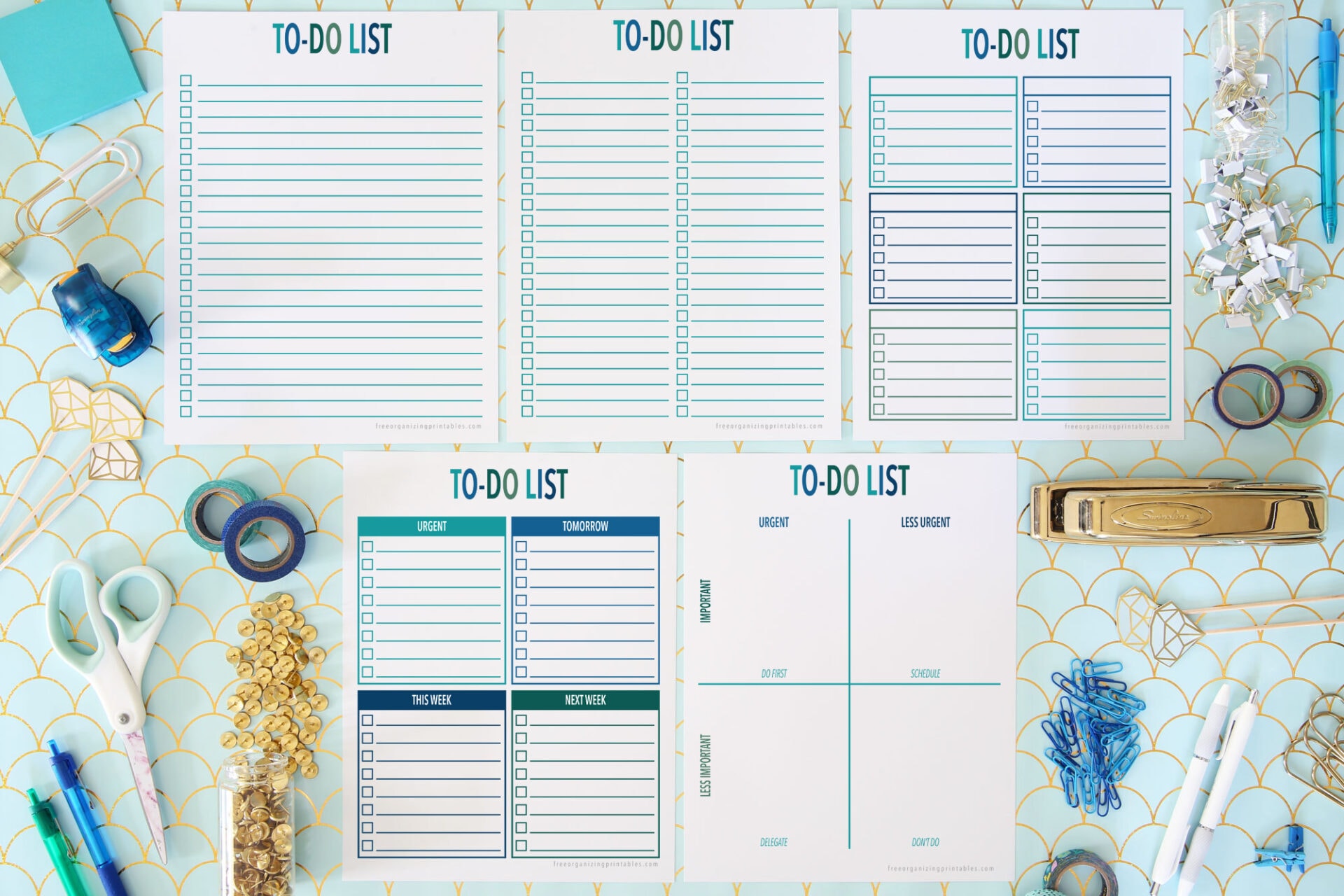
When you’re ready to print your categorized to-do list template, consider these best practices:
- Choose the Right Paper: Use standard letter-size (8.5 x 11 inches) paper for easy printing. If you plan to use the list frequently, consider printing on cardstock for durability.
- Orientation Matters: Portrait orientation is typically best for to-do lists, as it allows for more space to write.
- Lamination: For reuse, consider laminating your template so you can write on it with dry-erase markers.
- PDF Format: Download your list in PDF format to ensure the layout remains intact during printing.









