Using a Class To Do List Template can significantly enhance your classroom organization and help your students stay on track with their assignments. These templates are designed to break down tasks and improve productivity, making it easier for both teachers and students to manage daily responsibilities. In this guide, I’ll walk you through how to effectively implement this template in your classroom, from choosing the right format to using it daily.
Choosing the Right Class To Do List Template
Before you can effectively use a Class To Do List Template, you need to choose one that suits your class’s needs. Here are a few factors to consider:
- Format: Templates can come in various formats, including PDF, Word, or Excel. A PDF format usually preserves the layout best for printing and avoids reformatting issues common with Word or Excel files.
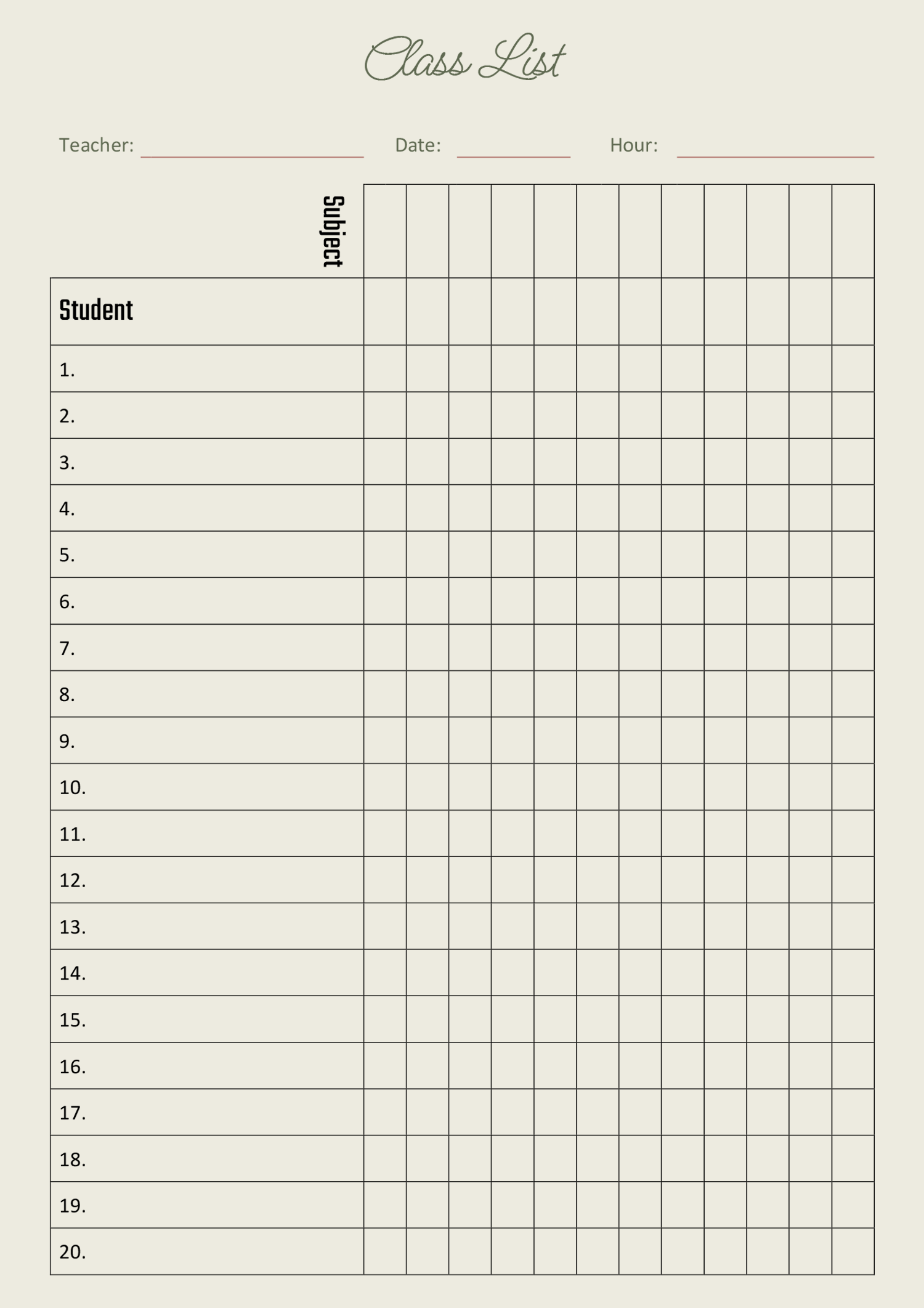
- Structure: Look for templates that clearly categorize tasks by subject, due date, or priority. This organization helps students quickly identify what needs to be done.
- Customization: Some templates allow for personalization. If you can edit the template, you can tailor it to your specific classroom needs, adding subjects or tasks unique to your curriculum.
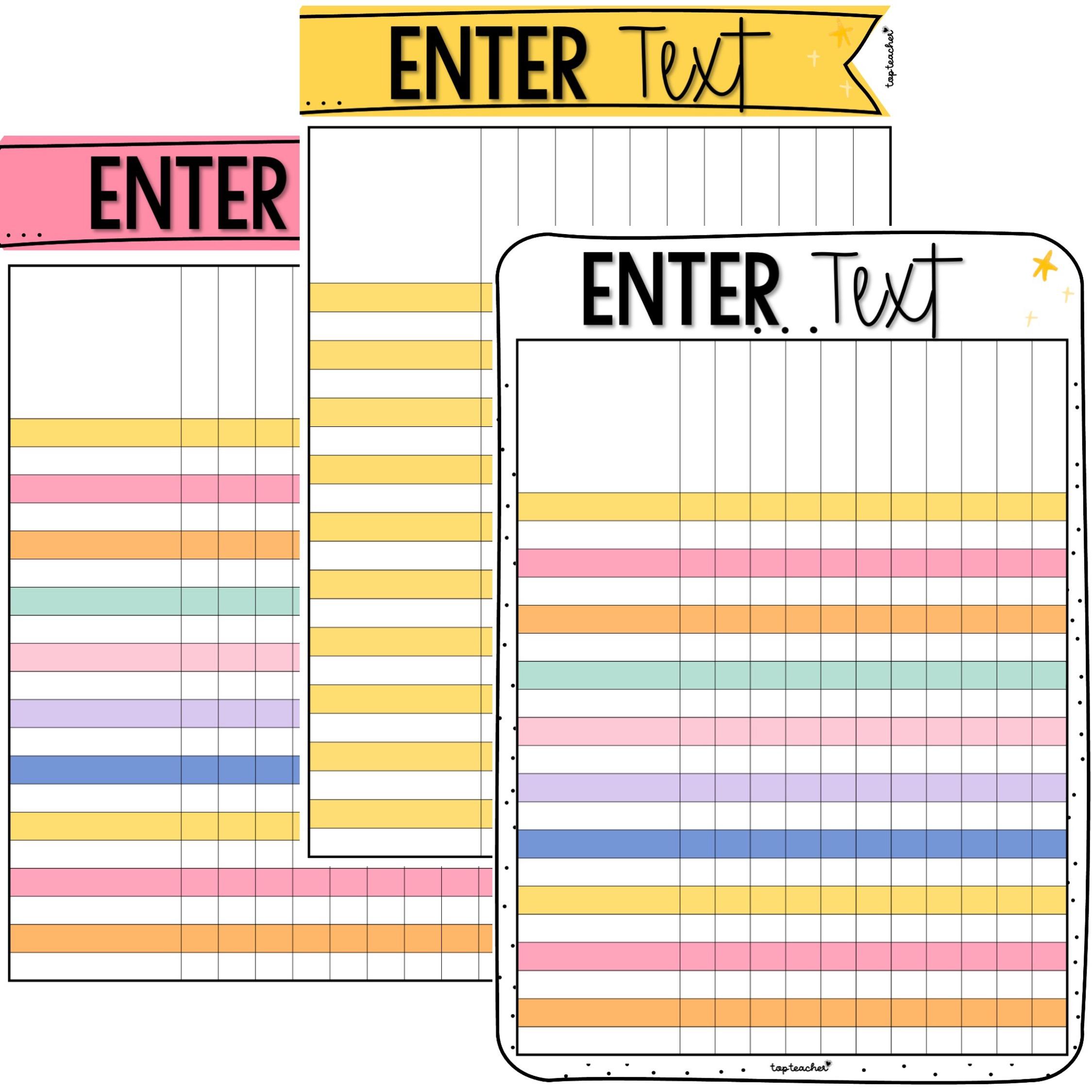
- Visual Appeal: A well-designed template can motivate students. Choose one that is visually engaging, potentially incorporating color coding for different subjects or priorities.
Once you’ve selected a template, download and print it. Most standard printers handle letter-sized paper (8.5 x 11 inches) well, which is a common size for to-do lists.
Setting Up Your Class To Do List Template
Now that you have your template, it’s time to set it up for effective use. Here’s a step-by-step process:
- Print the Template: Use a good quality printer to ensure clarity. If you’re using a template with a lot of color, consider using cardstock for durability, especially if it will be handled frequently.
- Lamination: For a long-lasting solution, laminate your printed list. This allows for dry-erase markers to be used, making it easy for students to check off completed tasks and reuse the list daily.
- Placement: Place the laminated list in a visible spot within the classroom. Consider locations like the classroom door, a bulletin board, or even on each student’s desk. This visibility encourages students to refer to it regularly.
- Introduce the List to Students: Spend some time explaining how to use the list. Show them how to prioritize tasks and mark items off as they complete them. This step is crucial in ensuring they understand its importance in managing their workload.
Daily Use of the Class To Do List Template
Incorporating the Class To Do List Template into your daily routine is essential for maximizing its benefits. Here’s how to make it part of your classroom culture:
- Daily Check-Ins: Start each day with a brief review of the to-do lists. This can serve as a motivational tool and a reminder of deadlines.
- Encourage Student Ownership: Allow students to fill out their lists. This empowers them to take responsibility for their tasks and deadlines. You might even set aside time each week for students to reflect on what they’ve accomplished.
- Adapt as Needed: Be flexible. If a particular task or project takes longer than anticipated, adjust the list accordingly. Encourage students to communicate if they need to modify their plans.
- Celebrate Completed Tasks: Recognize when students complete major assignments or projects. This could be a simple acknowledgment in class or a sticker reward system. Celebrating small wins can keep motivation high.
Tips for Maximizing Effectiveness
To get the most out of your Class To Do List Template, consider these additional tips:
- Use Color Coding: Different colors can represent various subjects or urgency levels. This visual aid helps students quickly identify which tasks to prioritize.
- Include Deadlines: Make sure each task includes a due date. This helps students manage their time effectively and prepares them for real-world deadlines.
- Feedback Loop: Create opportunities for students to provide feedback about the list. This can lead to improvements and adjustments that suit their needs better.
- Collaborative Lists: For group projects, consider having a collaborative version of the to-do list. This fosters teamwork and ensures everyone is aware of their responsibilities.
Implementing a Class To Do List Template can transform how students manage their tasks and responsibilities. By choosing the right template, setting it up effectively, and incorporating it into your daily routine, you can create a structured environment that promotes productivity and accountability.
A critical detail to remember is to update the list regularly. Keeping it current with new tasks and deadlines is essential for maintaining its effectiveness in your classroom.









