A Checklist Template With Tick Boxes typically comes in a standard letter size (8.5″x11″), making it ideal for easy printing and quick reference. This resource is a valuable tool for teachers and parents alike, helping to organize tasks, track progress, and ensure nothing is overlooked. In this guide, we’ll walk you through how to effectively use this template to enhance your educational activities.
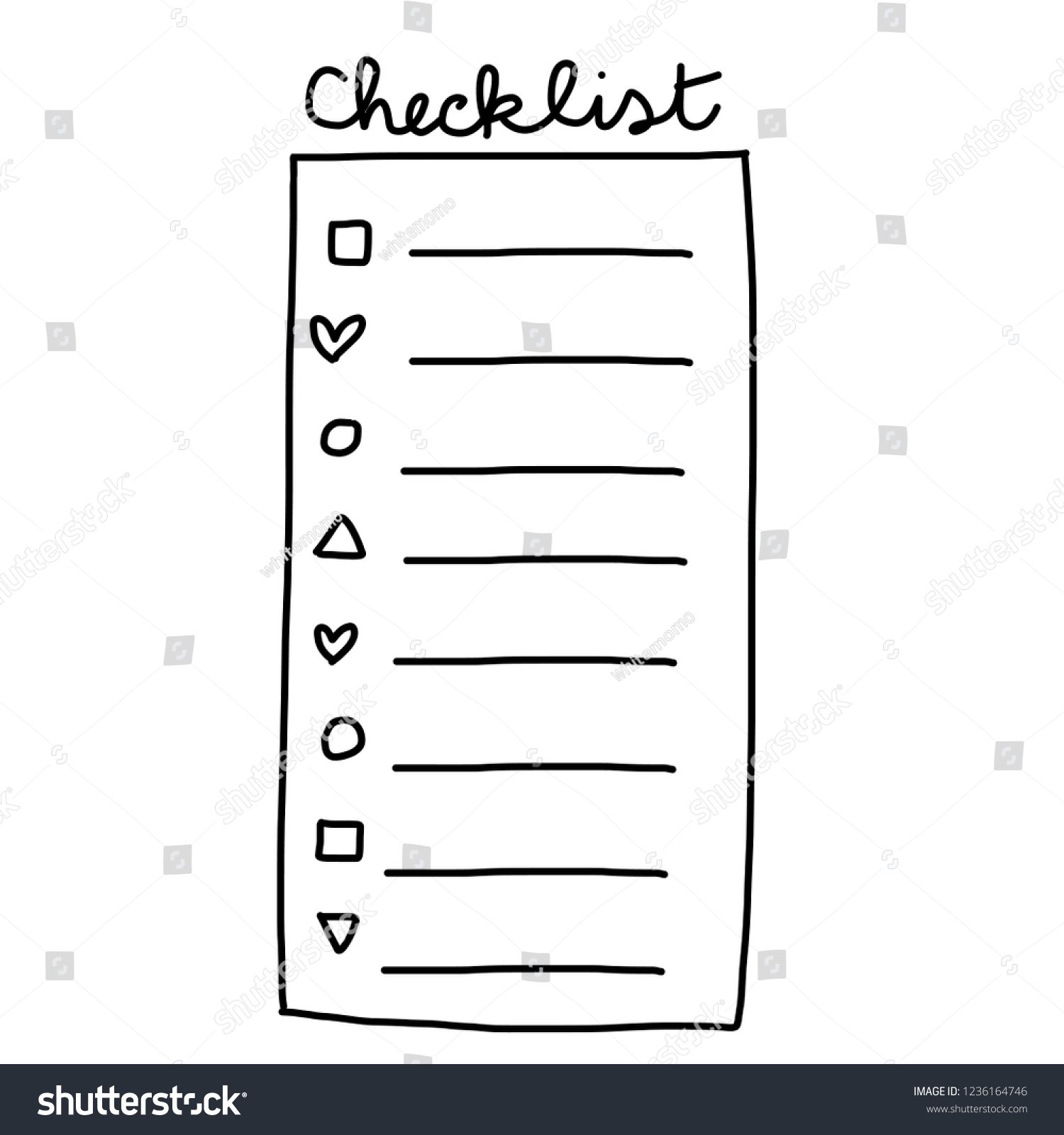
Choosing the Right Checklist Template
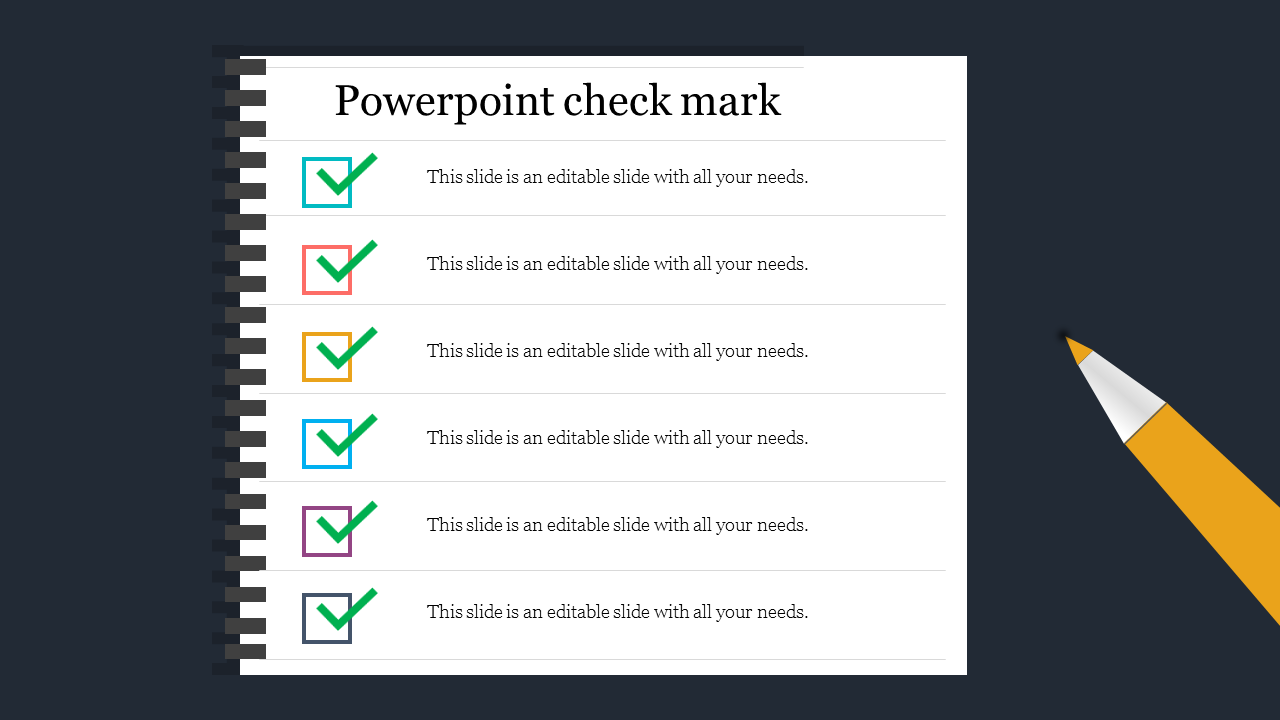
When selecting a checklist template, consider your specific needs. There are various types available, such as:
- Daily Task Lists: Great for routine tasks like homework assignments or daily chores.
- Project Checklists: Ideal for tracking progress on larger projects or group assignments.
- Event Planning Checklists: Useful for organizing class events or school trips.
Make sure to download a template that includes tick boxes, as they provide a visual cue that can help both students and parents stay on track. You can find these templates in various formats, but PDF versions typically maintain formatting best across different devices.
Downloading and Printing Your Template
Once you’ve chosen the right checklist template, the next step is to download it. Most resources offer a straightforward download option, but here are a few tips to ensure a smooth process:
- Select the Right Format: PDF files are generally the best choice for printing, as they preserve the layout and design.
- Check Printer Settings: Before printing, make sure your printer settings are adjusted for the paper size (8.5″x11″) and quality (high resolution for clear text).
- Print on Durable Paper: If you plan to reuse your checklist, consider printing on cardstock or heavier paper. This will help it withstand wear and tear, especially if it will be placed in a busy area like a classroom or kitchen.
Setting Up Your Checklist for Daily Use
After printing, think about where you’ll place your checklist. Visibility is key to maximizing its effectiveness. Here are a few practical placement ideas:
- On the Fridge: This is a common spot for family checklists. Use a magnetic clip to hold it in place and make it easily accessible for everyone.
- In the Classroom: Pin it to a bulletin board or attach it to a wall where students can see it regularly. This encourages them to check off tasks throughout the day.
- Laminating for Reuse: If you want a checklist that can be used repeatedly, consider laminating it. This allows you to use a dry-erase marker to check off tasks and erase them for the next day.
Adapting Your Checklist Template
A Checklist Template With Tick Boxes can be customized to fit various needs. Here are some ways to adapt it for different age groups or subjects:
- For Younger Students: Use colorful designs and simple language to keep them engaged. Consider adding images next to each task for visual learners.
- For Older Students: You might want to include more complex tasks, like breaking down projects into smaller steps. This can help them develop time management skills.
- Subject-Specific Checklists: Create templates tailored to subjects, such as a reading checklist for book reports or a math checklist for homework assignments.
Encouraging Accountability and Responsibility
Using a checklist can help instill a sense of responsibility in your students or children. Here’s how to promote accountability:
- Daily Check-Ins: Encourage students to review their checklists at the beginning and end of the day. This helps them take ownership of their tasks.
- Reward Systems: Consider implementing a rewards system for completed tasks. This could be as simple as verbal praise or a small prize for consistently checking off items.
- Parent Involvement: For younger children, having parents review the checklist together can reinforce the importance of completing tasks.
A Checklist Template With Tick Boxes isn’t just a tool; it’s a method to enhance organization and productivity in both educational and home settings. By following these steps, you’ll not only ensure that tasks are completed but also foster essential skills in students.
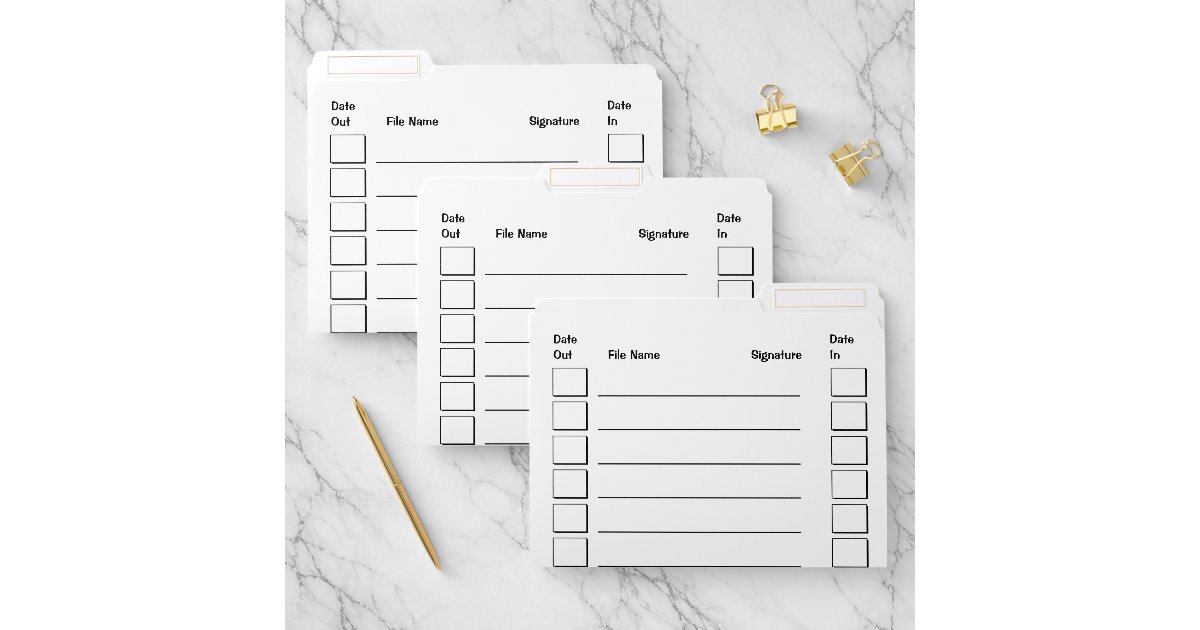
Additional Features to Consider
As you explore checklist templates, look for features that might enhance your experience:
- Editable Formats: Some templates allow for digital editing, which can be useful for quick updates or changes.
- Color Coding: Templates that include color coding can help differentiate between types of tasks, making it easier for users to prioritize.
- Space for Notes: Having a section for additional notes can provide context for tasks and help clarify expectations.
Utilizing a Checklist Template With Tick Boxes effectively can transform how tasks are approached and completed, making both teaching and learning more enjoyable and organized.









