In the world of education, managing projects can often feel overwhelming. Whether you’re planning a new curriculum, organizing a school event, or implementing technology in your classroom, teachers frequently face the challenge of determining if an idea is worth pursuing. This is where a Project Go/No Go Checklist Template can be a game-changer. It helps clarify your thoughts and ensures that you make informed decisions about which projects to advance and which to shelve.
What Is a Project Go/No Go Checklist?
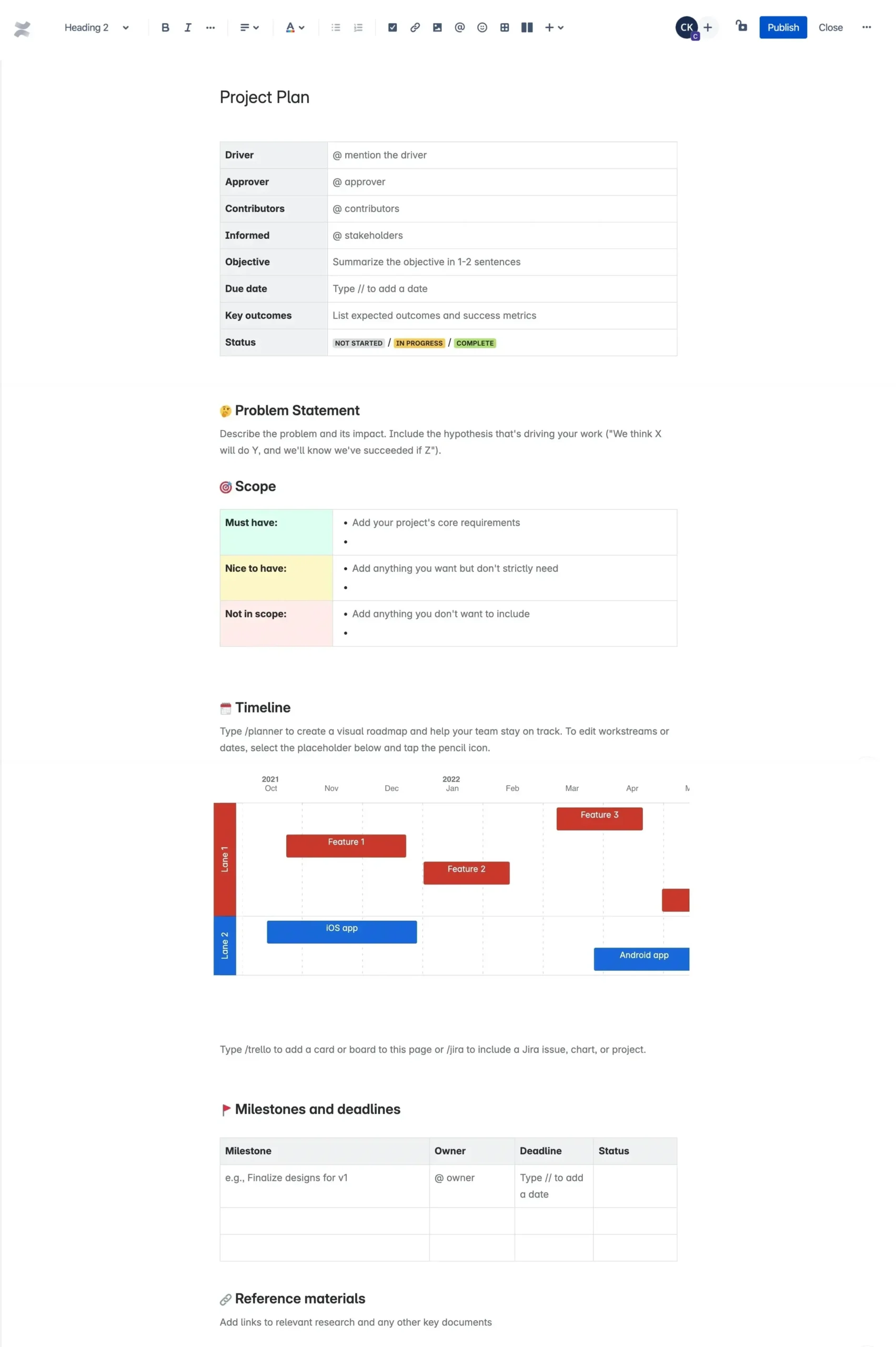
A Project Go/No Go Checklist is a structured tool designed to evaluate the feasibility and readiness of a project before moving forward. It typically includes criteria that must be met for a project to be deemed viable. By using this template, you can systematically assess each project idea against essential factors like resources, time, and alignment with educational goals.
For teachers, this checklist simplifies the decision-making process. Instead of relying on gut feelings or vague discussions, you have a clear framework to follow. This not only saves time but also reduces stress and uncertainty.
Key Components of the Checklist
When creating or adapting your Project Go/No Go Checklist Template, consider including the following essential components:
- Objectives: Clearly define what you aim to achieve with the project. Are you looking to enhance student engagement, improve learning outcomes, or integrate new technology?
- Resources: Assess what resources—such as time, materials, and support—are required. Are they available within your school’s budget and timeframe?
- Stakeholder Input: Consider whether you have gathered input from key stakeholders, including fellow teachers, administrators, and students. Their insights can be invaluable.
- Alignment with Standards: Ensure that the project aligns with educational standards and school goals. This helps justify its importance and secure necessary approvals.
- Risk Assessment: Identify any potential risks or challenges associated with the project. What could go wrong, and how might you mitigate these issues?
- Timeline: Outline a realistic timeline for project implementation. Are you able to complete the project within the school year or semester?
- Evaluation Metrics: Define how you will measure the success of the project. What indicators will show whether the project met its objectives?
You can customize this checklist to fit various project types within your educational environment, making it a versatile resource.
How to Use the Template Effectively
Once you have your Project Go/No Go Checklist Template ready, here’s how to use it effectively:
- Initial Brainstorming: Start by listing all potential projects you’re considering. This could include new teaching methods, extracurricular activities, or community outreach programs.
- Fill Out the Checklist: For each project, fill out the checklist criteria systematically. This ensures you consider all relevant factors before making a decision.
- Group Discussion: If possible, involve your colleagues in a discussion about each project. Share your findings from the checklist and gather their perspectives. Collaboration can lead to more robust decisions.
- Make Informed Decisions: After evaluating multiple projects, decide which ones to pursue based on the checklist outcomes. If a project does not meet the criteria, it might be wise to postpone or modify it.
- Review and Adjust: After implementing a project, revisit the checklist to evaluate its success. What worked well? What could have been improved? This reflection will help inform future projects.
Adapting the Checklist for Different Ages and Contexts
One of the strengths of the Project Go/No Go Checklist Template is its adaptability. Here’s how you can tailor it for different age groups or educational contexts:
- For Younger Students: Simplify the language and use visuals to represent each criterion. Instead of asking if resources are available, you might ask if you have the materials needed for a craft project.
- For High School Projects: Encourage students to take ownership by having them fill out the checklist themselves. This can be a valuable lesson in project management and critical thinking.
- For Community Involvement: Adjust the checklist to incorporate community feedback. If you’re planning a community service project, include a section for community needs assessment.
This flexibility allows you to apply the checklist across various projects, making it a valuable tool in your educational toolkit.
The Benefits of Using a Project Go/No Go Checklist Template
Implementing a Project Go/No Go Checklist Template in your planning process offers numerous advantages:
- Clarity: It brings clarity to your project planning, helping you visualize the steps and resources needed.
- Efficiency: You can quickly assess multiple ideas, saving time and preventing wasted effort on unfeasible projects.
- Collaboration: The checklist can serve as a common reference point, facilitating discussions among colleagues and stakeholders.
- Confidence in Decision-Making: With a structured approach, you’ll feel more confident in your decisions, knowing you’ve thoroughly evaluated each project.
- Continuous Improvement: By reviewing past projects against the checklist, you can continuously improve your planning and execution strategies.
Getting started with your own Project Go/No Go Checklist Template is straightforward. Consider downloading a template suited for your needs. Many resources are available online that can be customized to fit your specific projects.

A Practical Tip for Immediate Use
To start benefiting from a Project Go/No Go Checklist Template right away, print a few copies and keep them handy in your planning folder. Whenever a new project idea arises, take a few moments to fill out the checklist. This simple practice can transform how you evaluate and prioritize your educational projects, making your planning process smoother and more effective.









