Managing daily tasks can often feel overwhelming, especially for teachers juggling multiple responsibilities. If you are planning lessons, grading assignments, or coordinating with parents, it’s easy to lose track of what needs to be done. A Daily To-Do List Template can be a lifesaver, helping you organize tasks clearly and efficiently. This resource not only streamlines your day but also allows you to delegate responsibilities effectively within your family or team, ensuring that everyone knows what they need to accomplish.
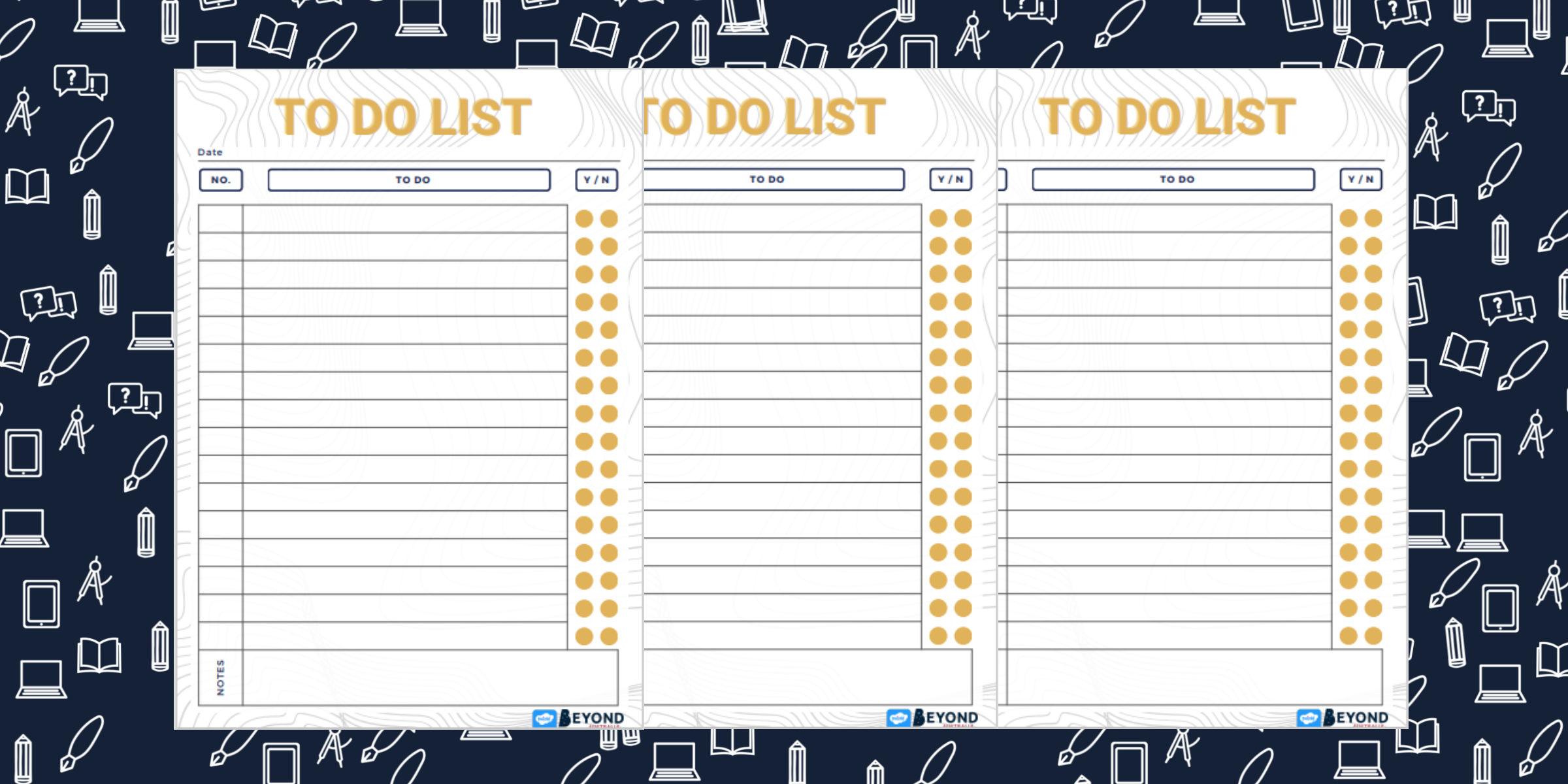
Understanding the Daily To-Do List Template
A Daily To-Do List Template typically includes sections for listing tasks, assigning them to specific individuals, and tracking progress. This makes it an ideal tool for teachers who want to manage their workload while also involving students or family members in the process. By utilizing this template, you can create a structured approach that helps you prioritize your tasks and delegate effectively.
Key Features of a Daily To-Do List Template
- Task Breakdown: The template usually has space to break down larger projects into smaller, manageable tasks. This can help you avoid feeling overwhelmed by providing a clear path forward.
- Assignment Options: You can assign tasks to specific students, family members, or even yourself. This is especially useful in a classroom setting where group work is essential.
- Deadline Tracking: Most templates include a section for deadlines. Setting clear timelines can help keep everyone accountable and ensure tasks are completed on time.
- Progress Indicators: Some templates provide checkboxes or status updates to indicate task completion. This visual cue can be motivating and satisfying as tasks are marked off.
How to Use the Template Effectively
Using a Daily To-Do List Template is straightforward, but its effectiveness depends on how you implement it. Here’s a practical checklist to get you started:
- Identify Your Tasks: At the beginning of each day or week, list all the tasks you need to accomplish. Include everything from lesson planning to personal errands.
- Prioritize: Determine which tasks are urgent and which can wait. Marking tasks by priority helps focus on what truly needs your attention first.
- Assign Responsibilities: For tasks that can be delegated, assign them to specific individuals. For instance, if you have group projects, assign different roles to students based on their strengths.
- Set Deadlines: Assign deadlines to each task. This keeps everyone aware of timelines and can help prevent last-minute rushes.
- Review and Adjust: At the end of the day, review what was accomplished. Adjust the next day’s list based on what remains, and celebrate completed tasks to keep morale high.
Adapting the Template for Home Use
While a Daily To-Do List Template is excellent for classroom management, it can also be adapted for home use. Here’s how to make it work for your family:
- Collaborative Planning: Sit down with your family at the start of the week. Discuss what needs to be done around the house, from chores to grocery shopping.
- Rotate Responsibilities: Assign tasks to different family members each week. This not only helps share the workload but also teaches responsibility and accountability.
- Use Color-Coding: Have each family member use a different color to denote their tasks on the template. This visual differentiation can make it easier to see who is responsible for what.
- Incorporate Fun Tasks: Include fun activities or family time as part of the to-do list. This can provide motivation and ensure that everyone is looking forward to completing their responsibilities.
Tips for Customizing Your Template
Every teacher and home environment is unique, so customizing your Daily To-Do List Template to fit your specific needs is essential. Here are some tips to help you tailor it effectively:
- Choose the Right Format: Decide if you prefer a digital or printable version. For daily use, a printable template can be pinned up in your classroom or kitchen, while a digital one can be updated on the go.
- Consider the Layout: Portrait layout tends to work better for most home printers, but landscape may be more suitable for viewing on a computer screen. Choose what works best for you.
- Add Sections: If you find certain tasks recurring, consider adding sections for them directly on your template. This saves time and streamlines your process.
- Include Inspirational Quotes: Adding a motivational quote at the top can inspire you and your students to stay focused on the day’s tasks.
By implementing these strategies with a Daily To-Do List Template, you can create a more organized and efficient environment in both your classroom and home. The key lies in making the template your own and regularly updating it to meet changing needs.
To get started, download a Daily To-Do List Template that suits your style and begin crafting your organized day today. Remember, the first step towards effective task management is simply getting it all down on paper (or a digital format), so you can see what needs doing and who can help.









